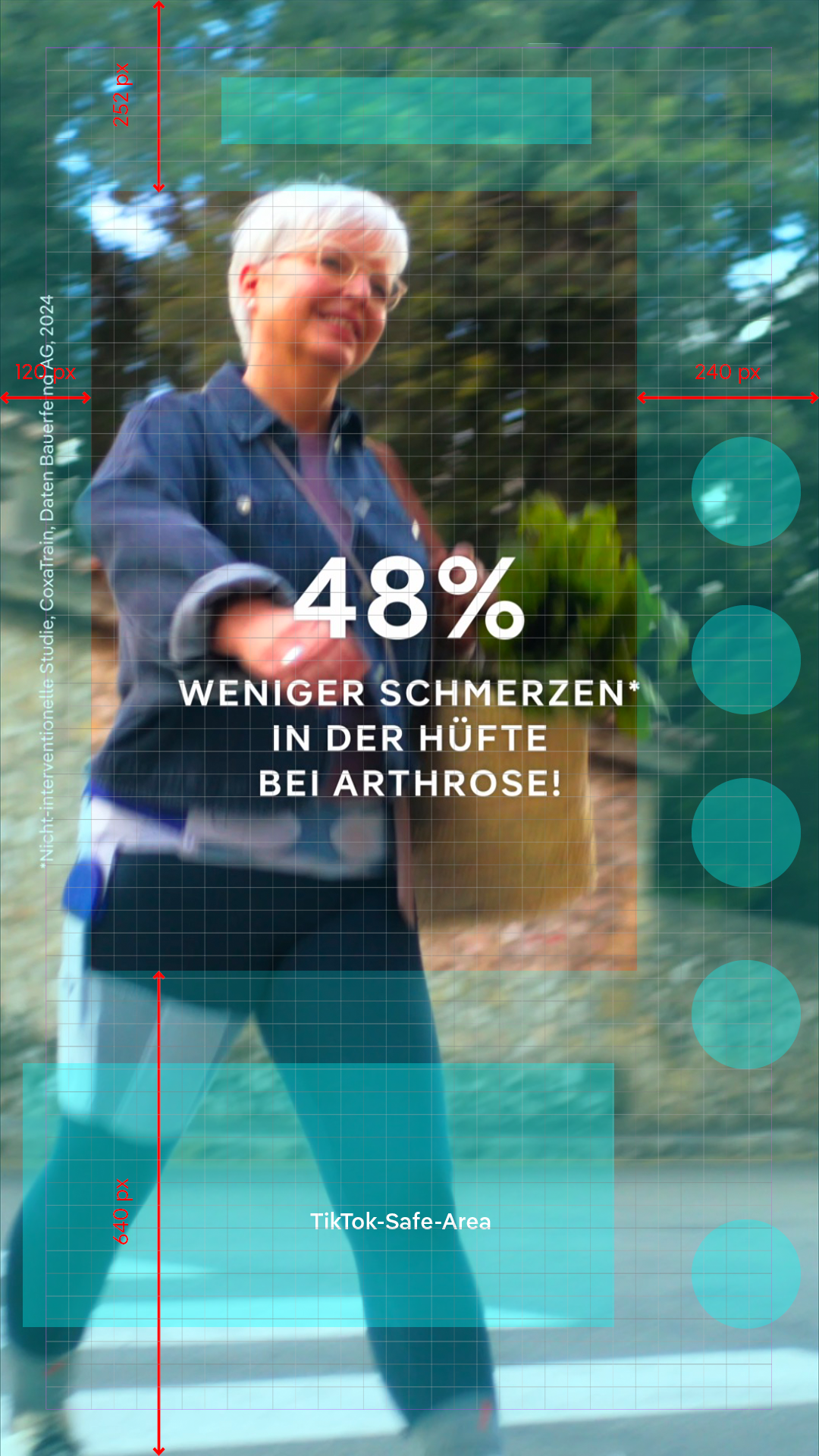
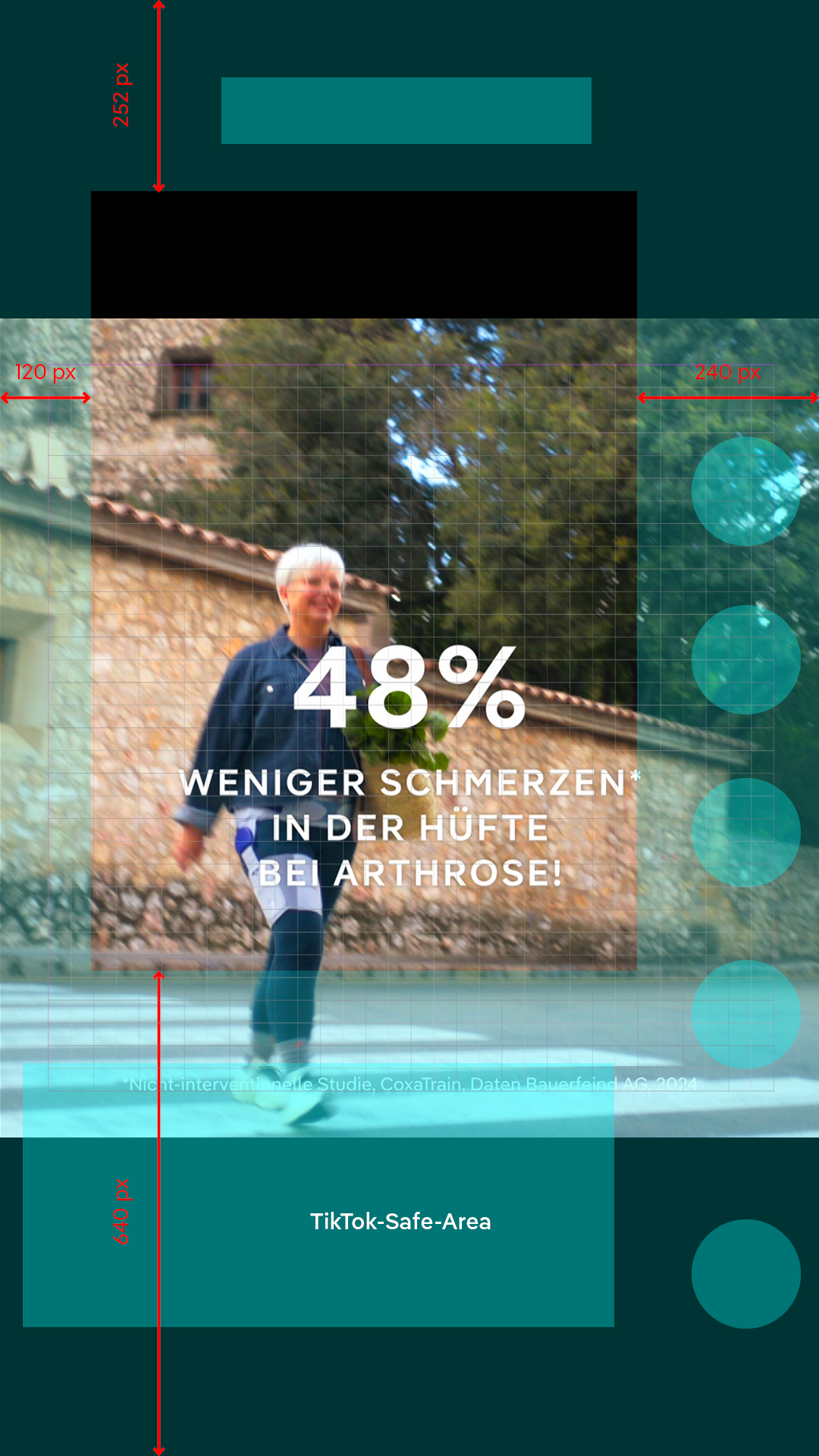
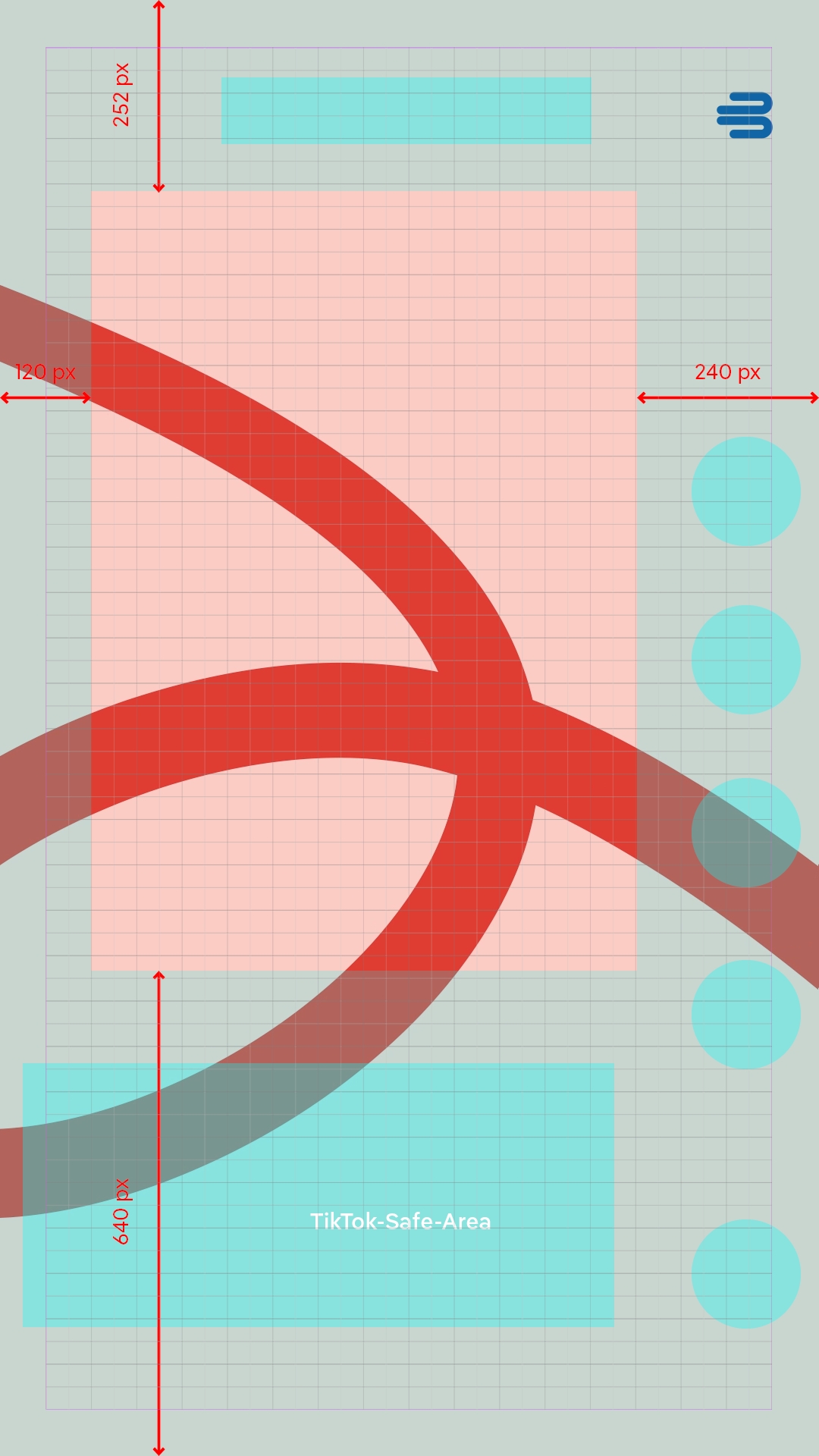
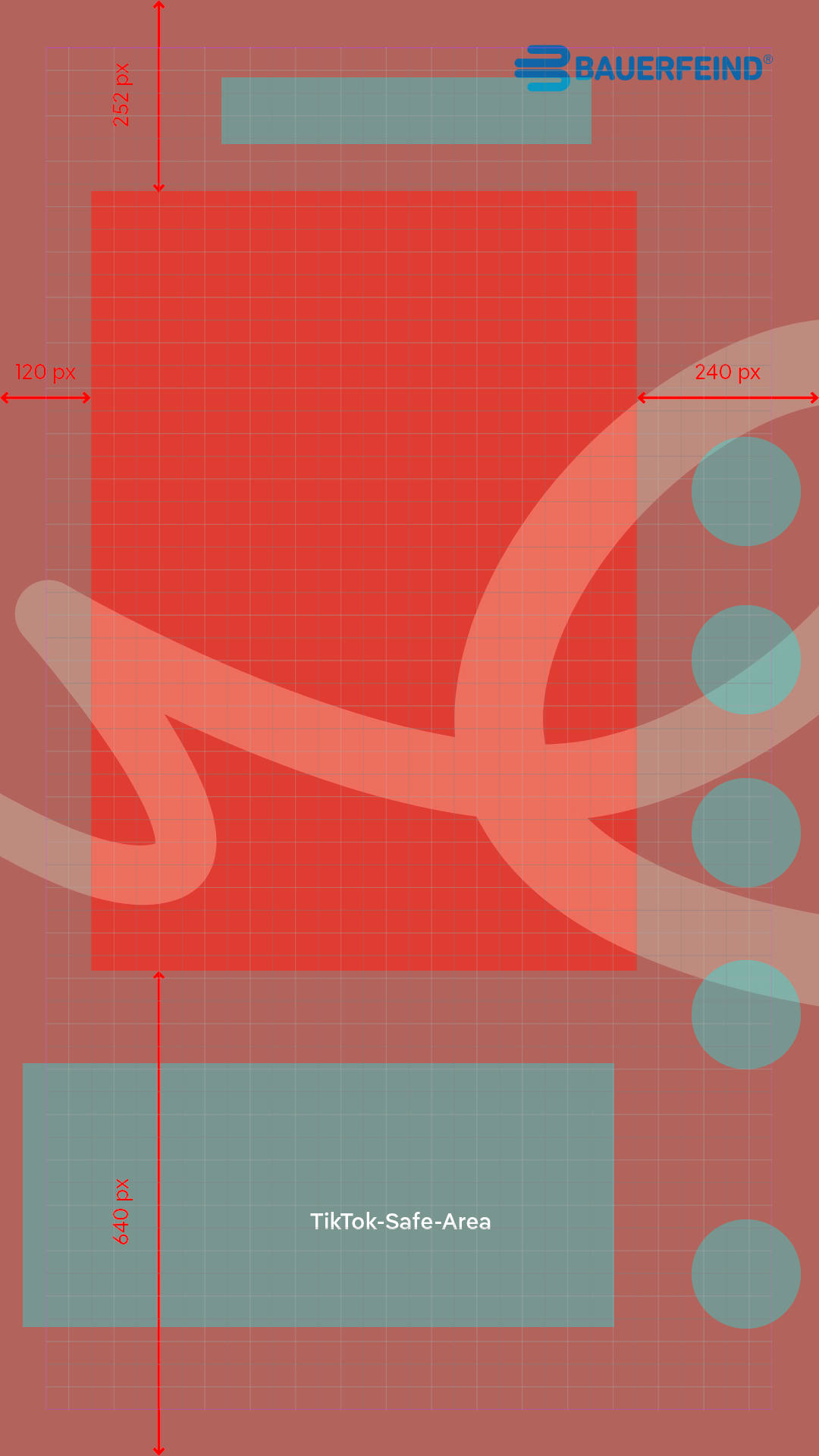
A safe area mask is vital for TikTok and Instagram content. This prevents unwanted clashes with UI elements.
A safe area mask for film editing for TikTok and Instagram can be downloaded here:
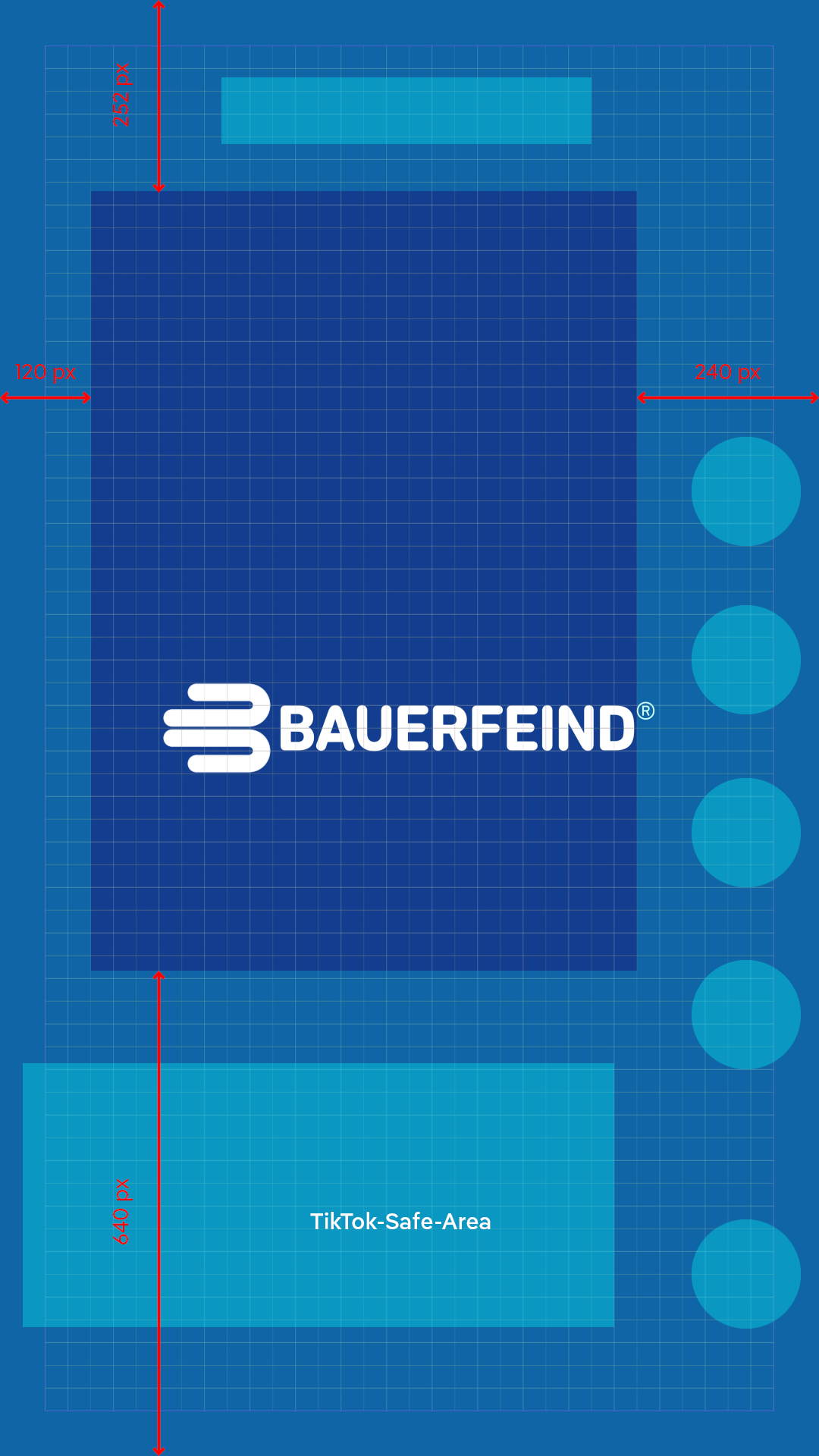
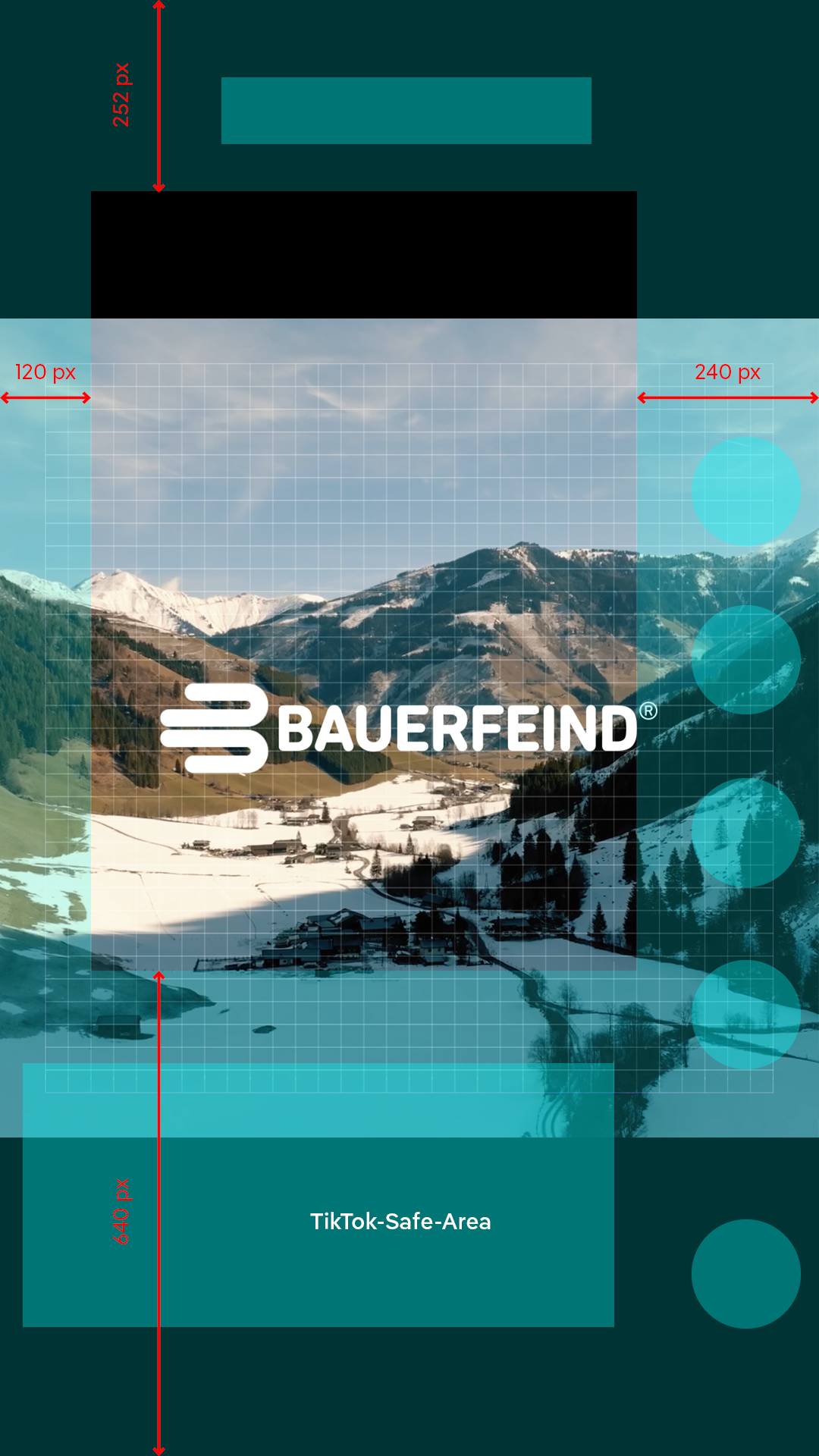
The intro/outro logo animation is positioned centrally over the video image, animation and size are preset for all formats in 4 versions:
- White logo on blue background
- Blue logo on white background
- White logo with alpha channel (transparency)
- Blue logo with alpha channel (transparency)

The corner bug (CB) is applied to the 9:16 with a larger spacing from the upper edge of the image, so it is not overlapped on Instagram and TikTok. The Social Media 9:16 positioning is used at a distance of 120/60 px from the top/right edge of the image The composition with the ending “_(SM)” is provided in the template for this purpose. The CB must onlybe used for Bauerfeind’s new products or knee products.
The word/figurative mark (WFM) is not used on social media. However, if this is desired, the normal 9:16 positioning is used at a distance of 60 px from the top/right edge of the image. An overlap by displays is unavoidable here. The same applies for the 1:1 format.
Intro headlines can be moved freely higher or lower than the preset position in the template depending on the image content. Here too, within the safe area:
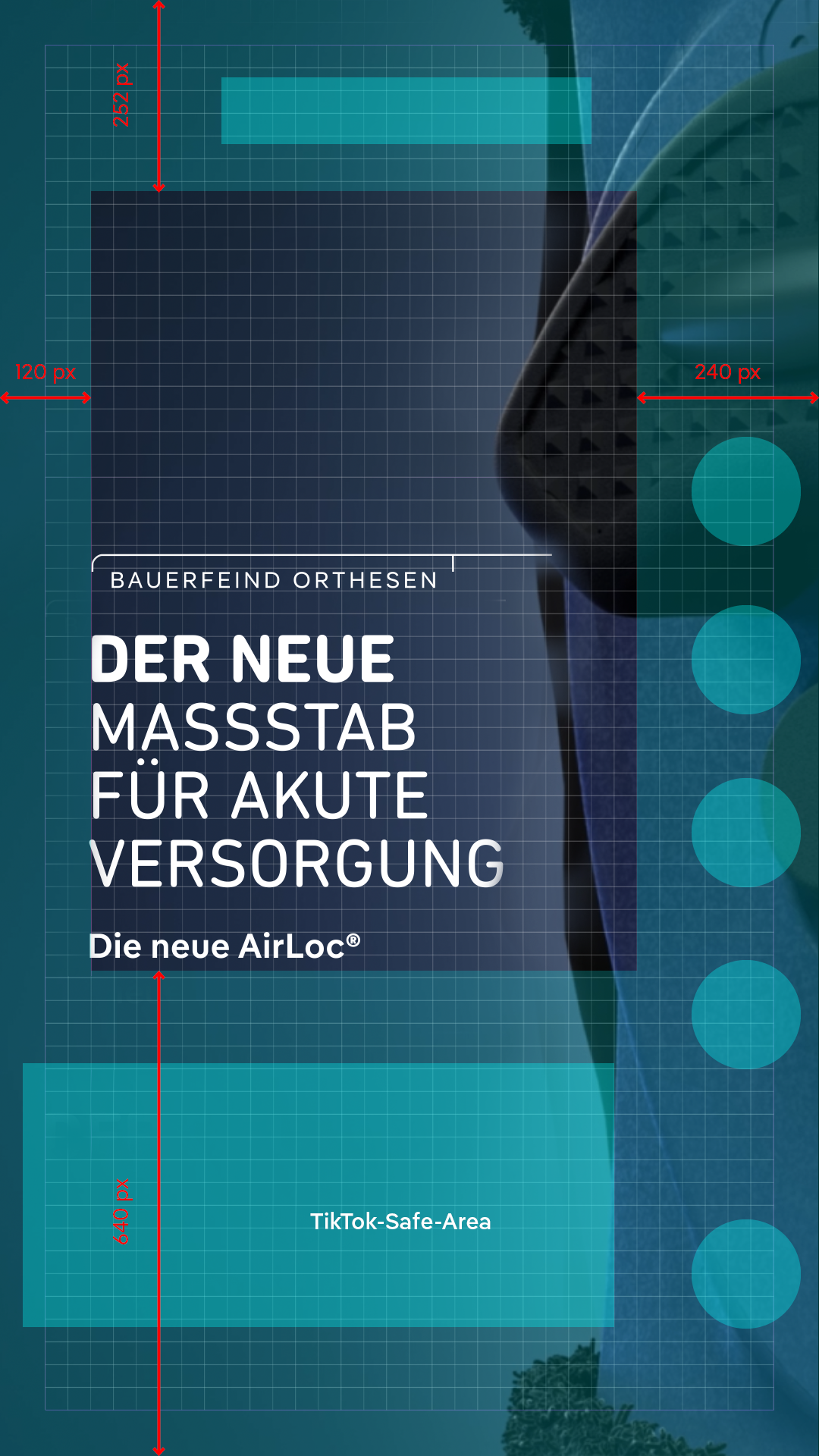
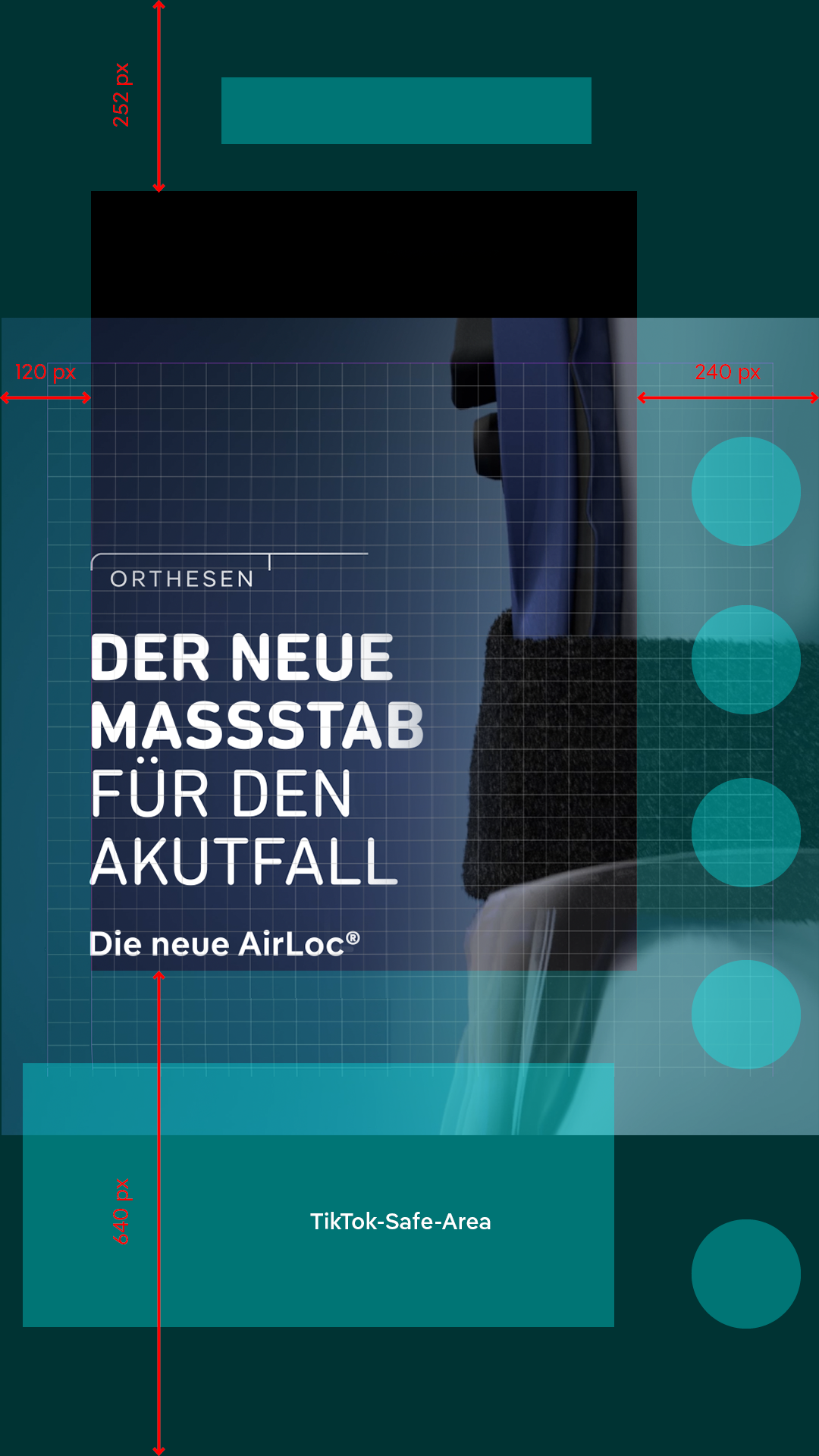
The one to three-line text inserts can only be positioned centrally in 9:16 and 1:1 and to the left within the safe area:
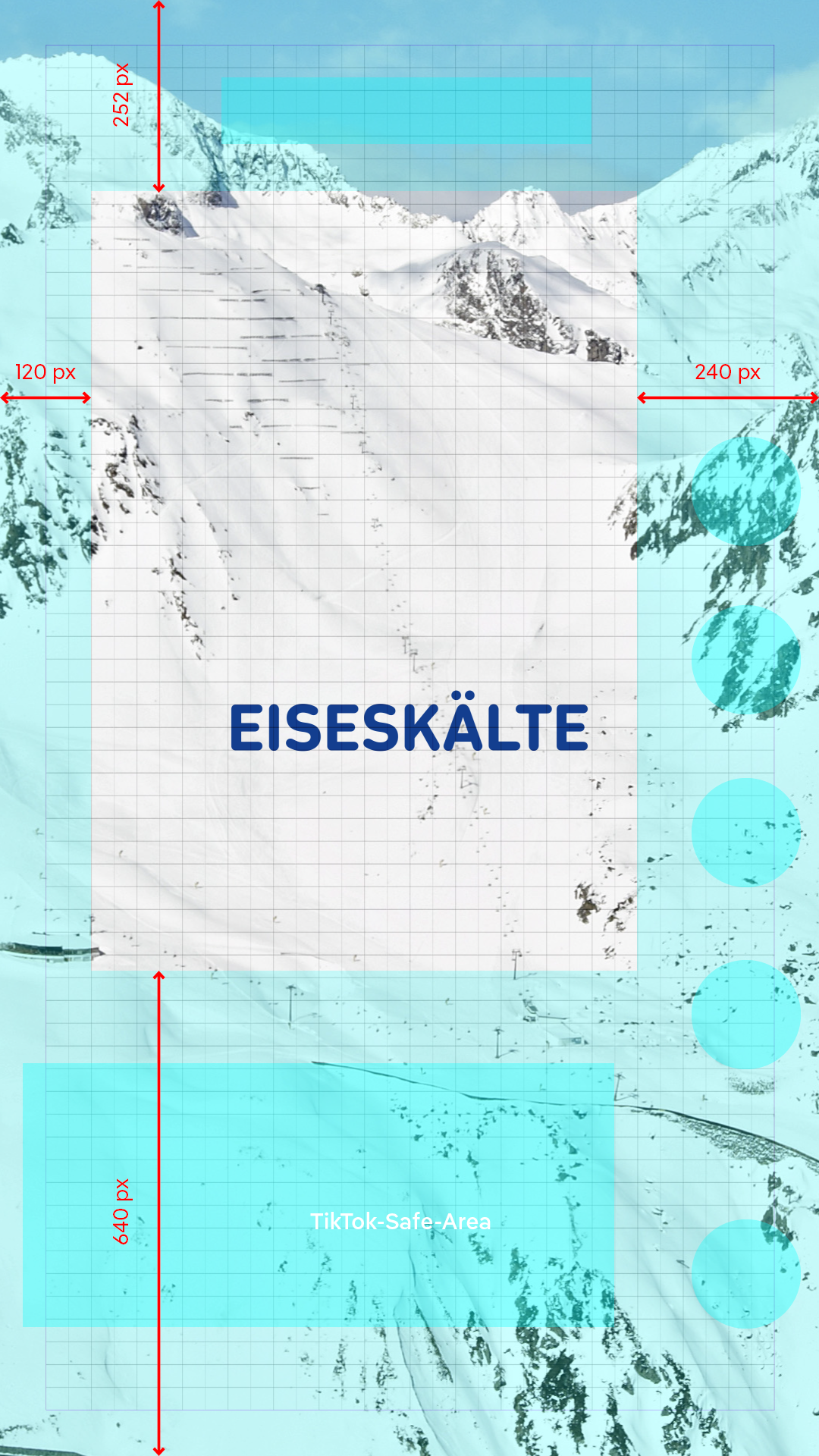
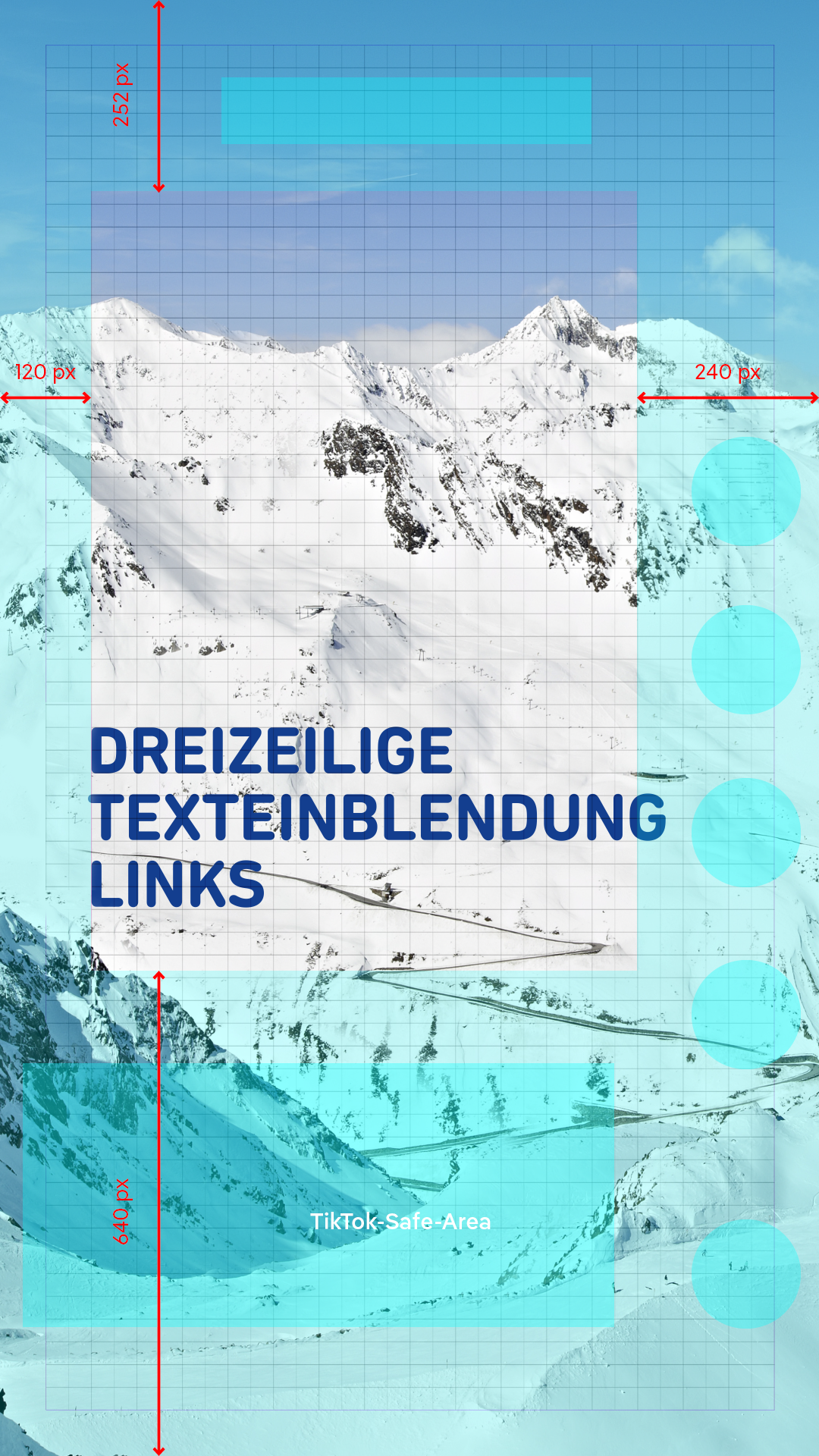
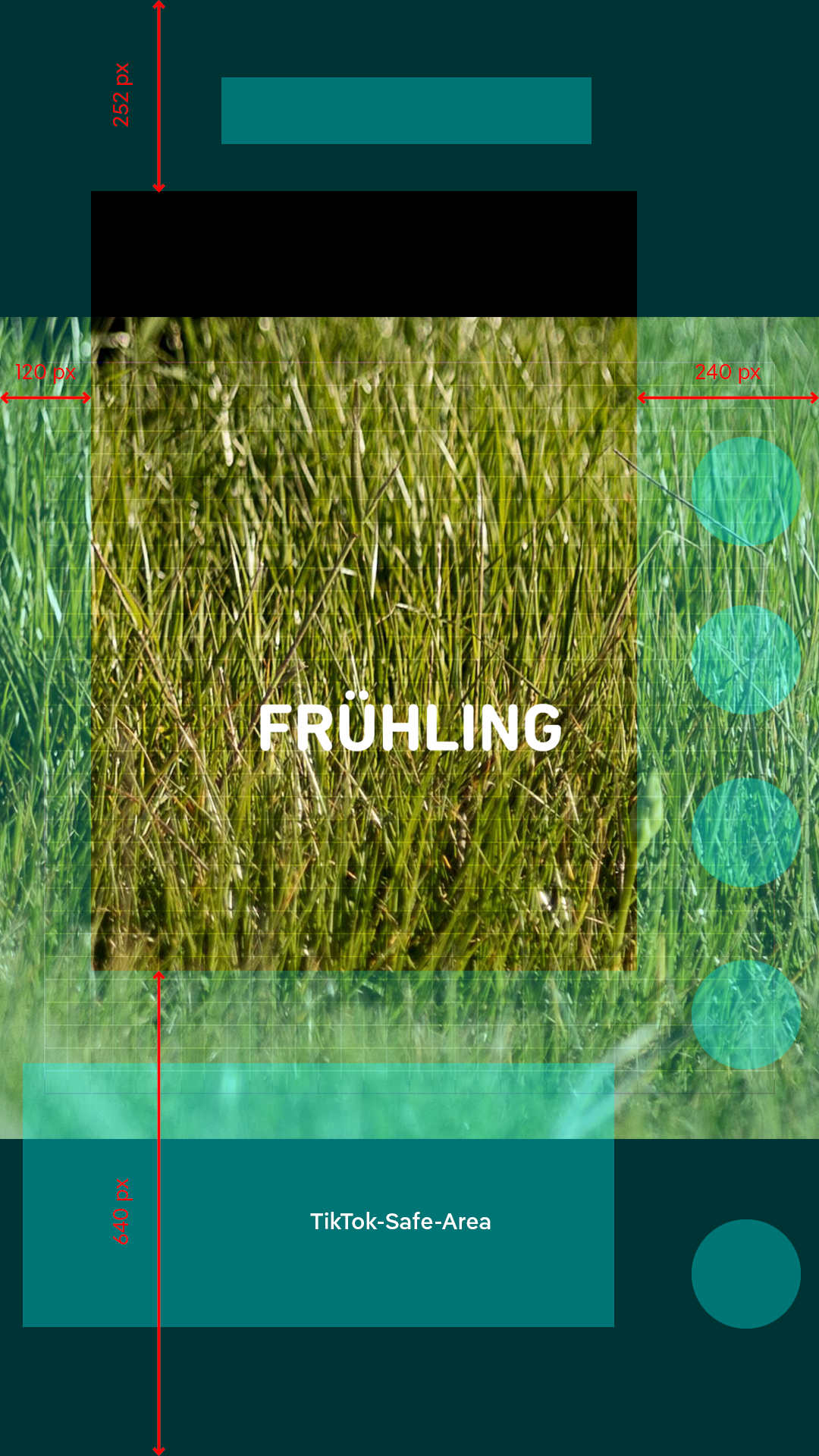
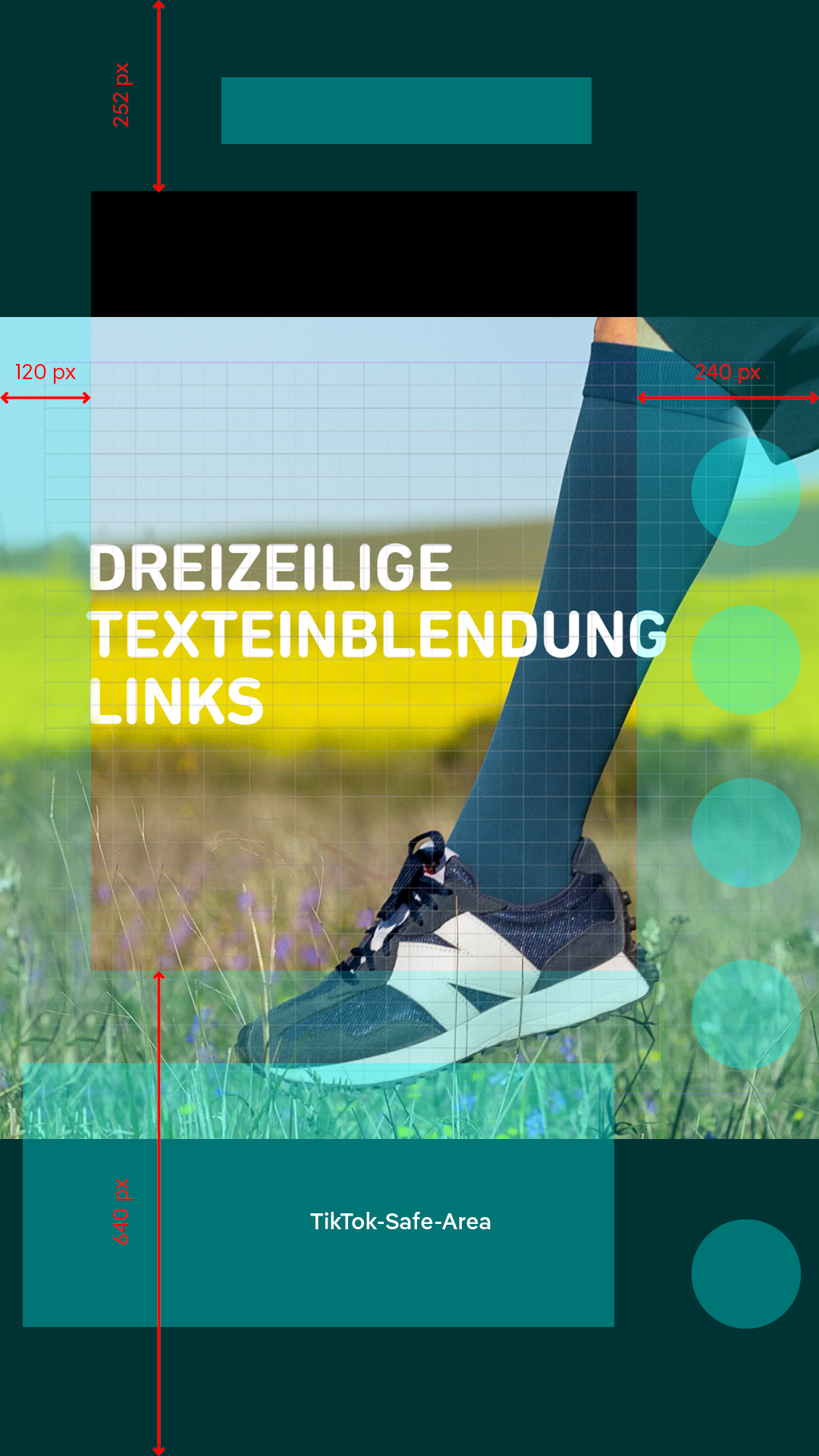
For name tags, the left-aligned, large versions must be used. Two-line name divisions are possible via Essential Graphics.
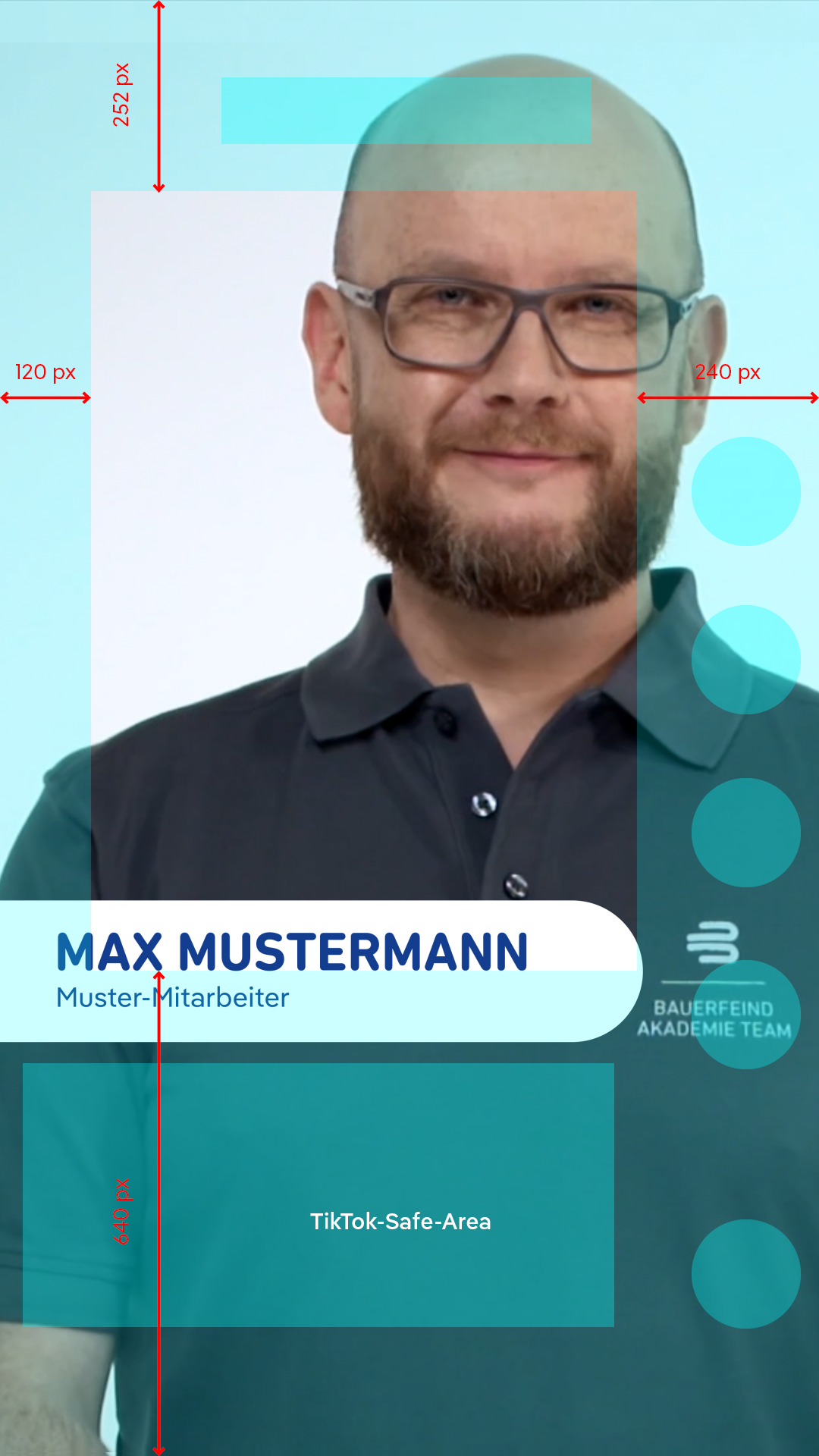
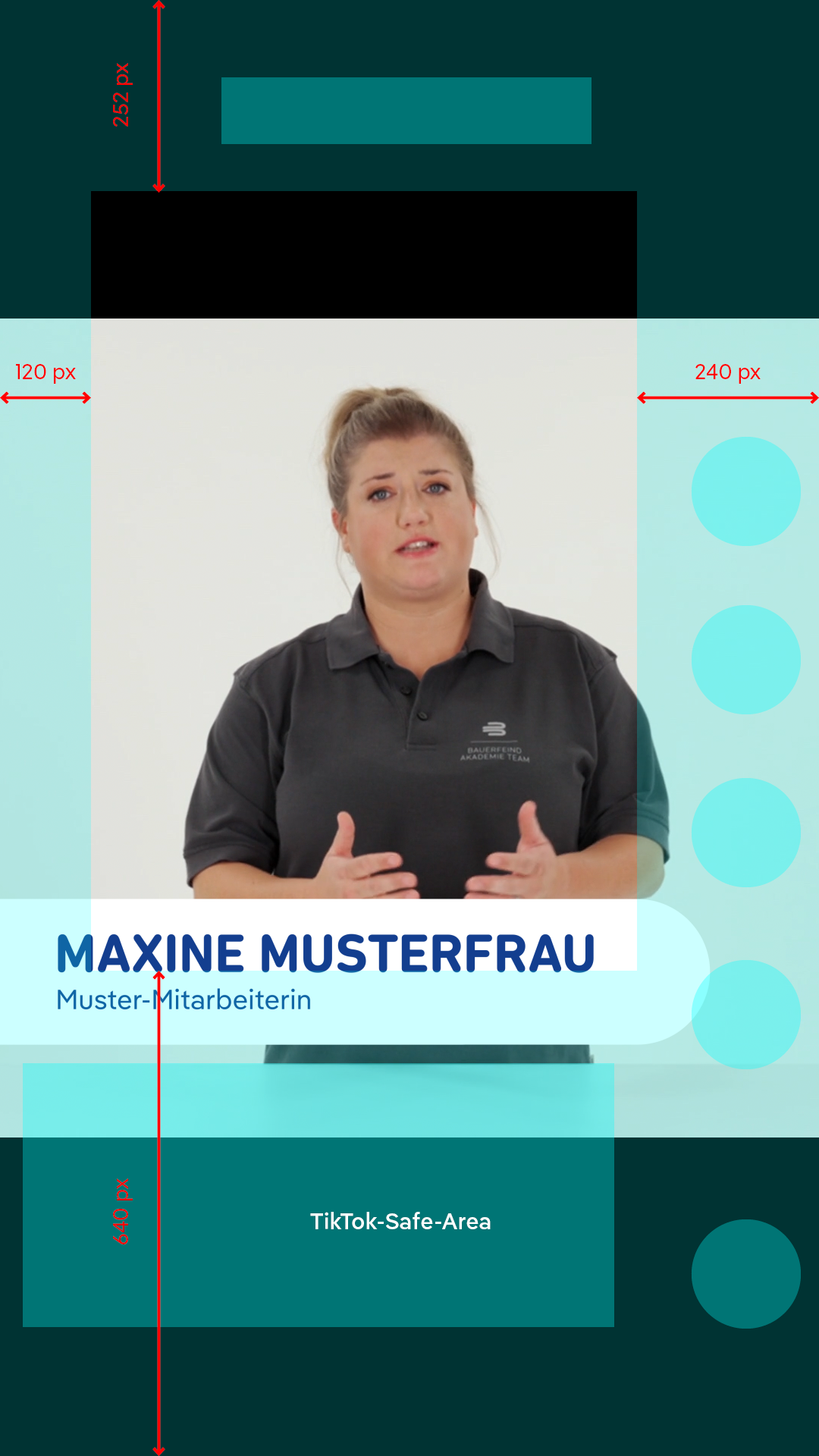
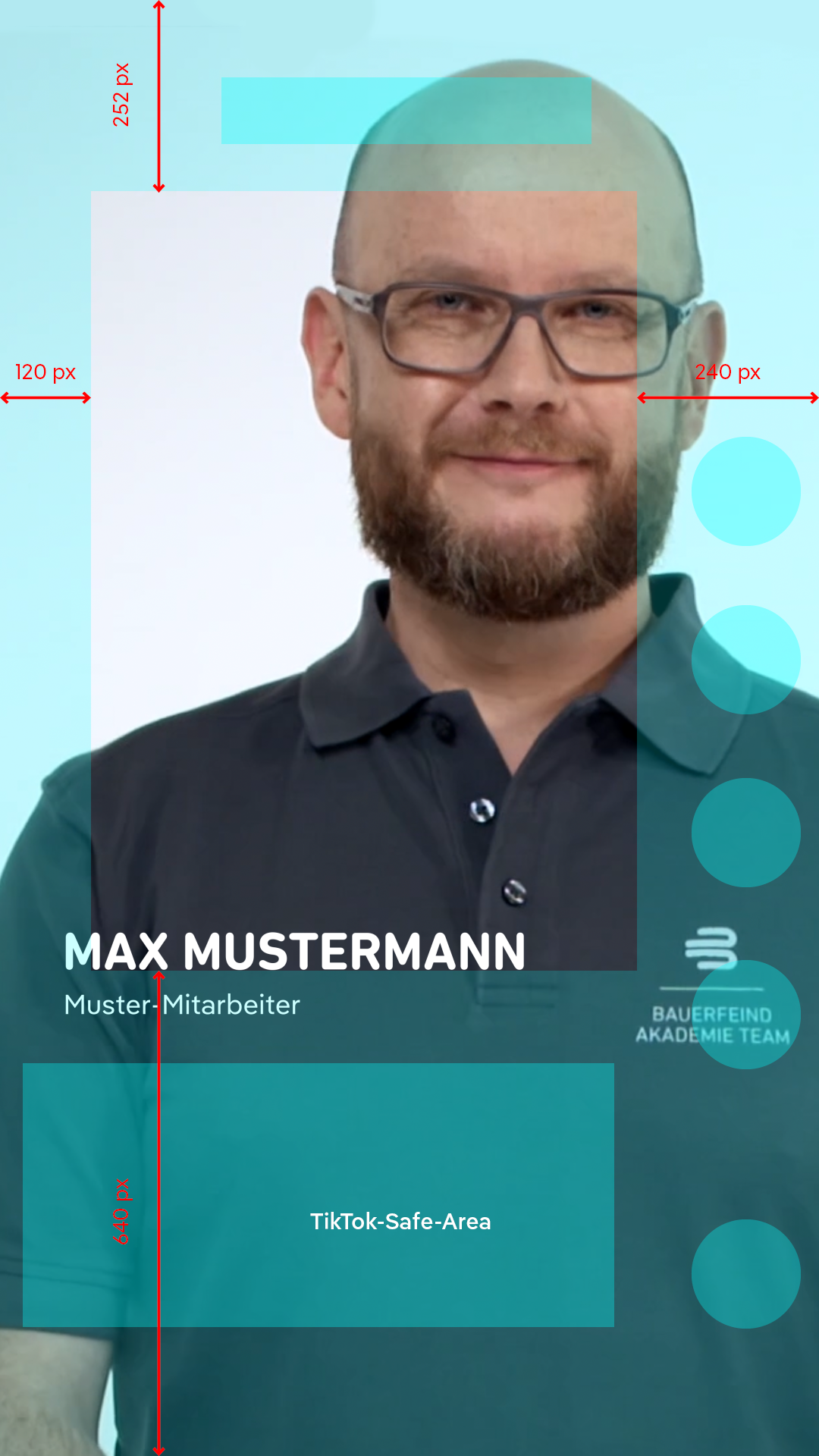
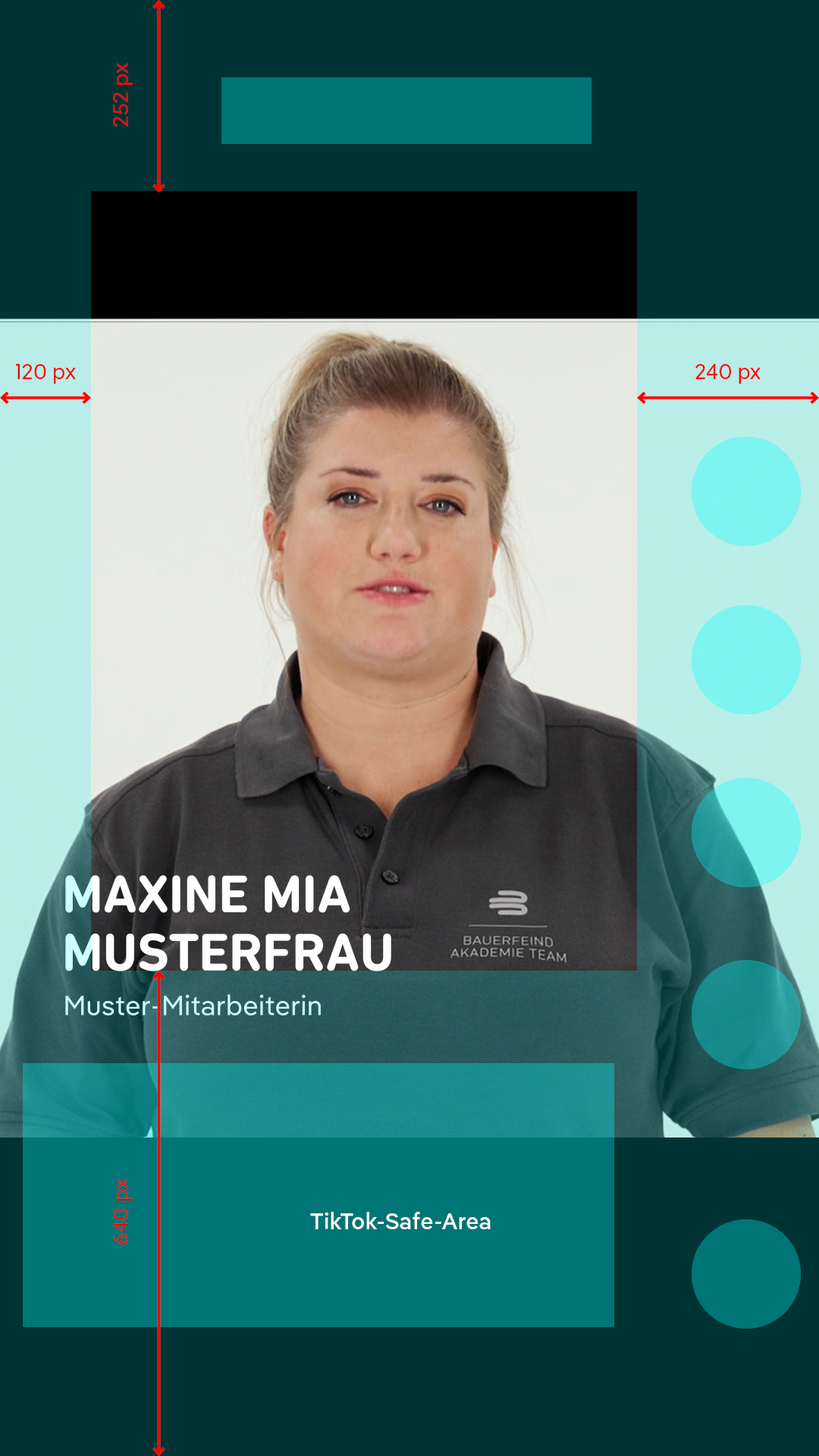
Labels may only be positioned within the safe areas:
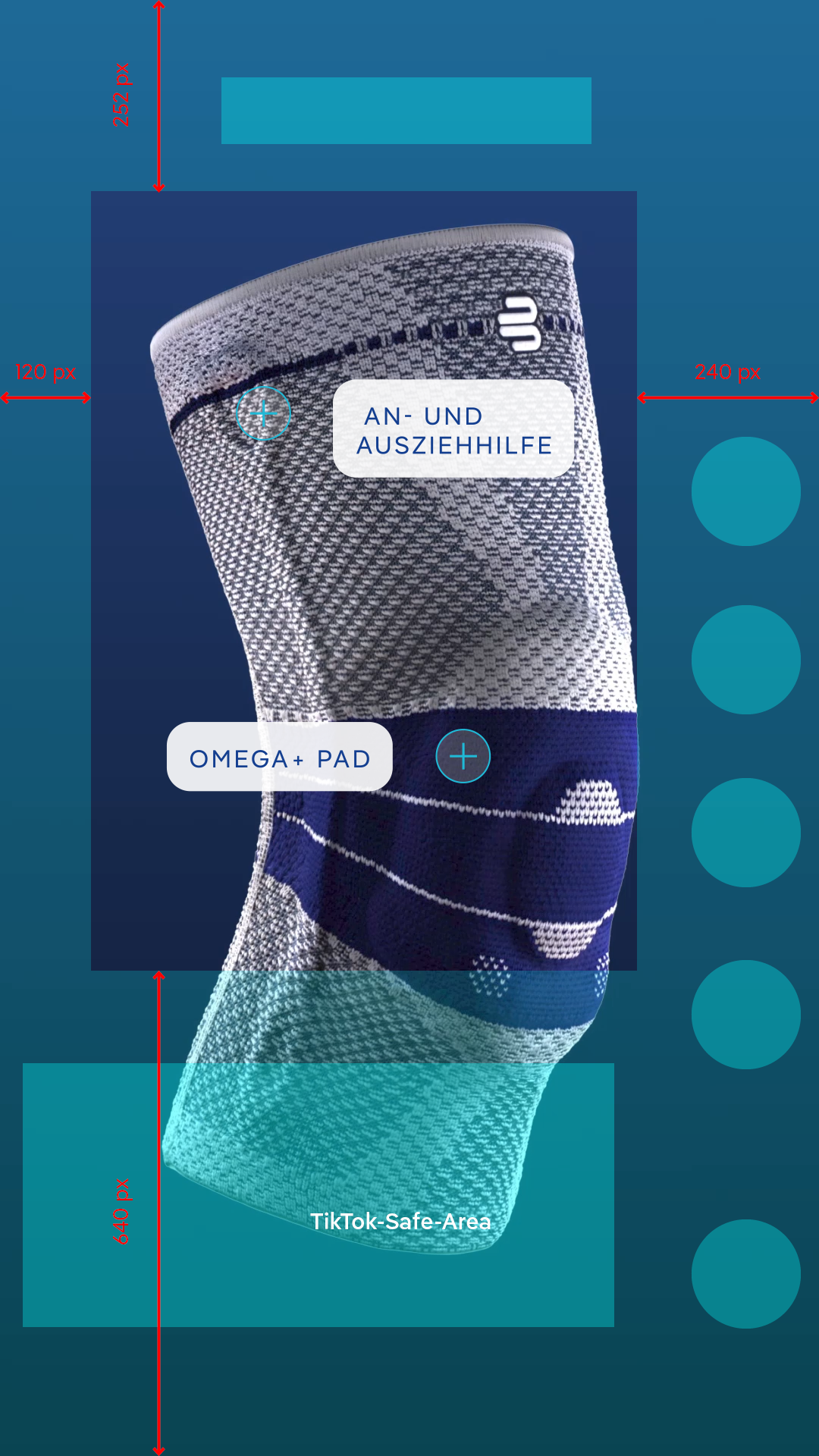
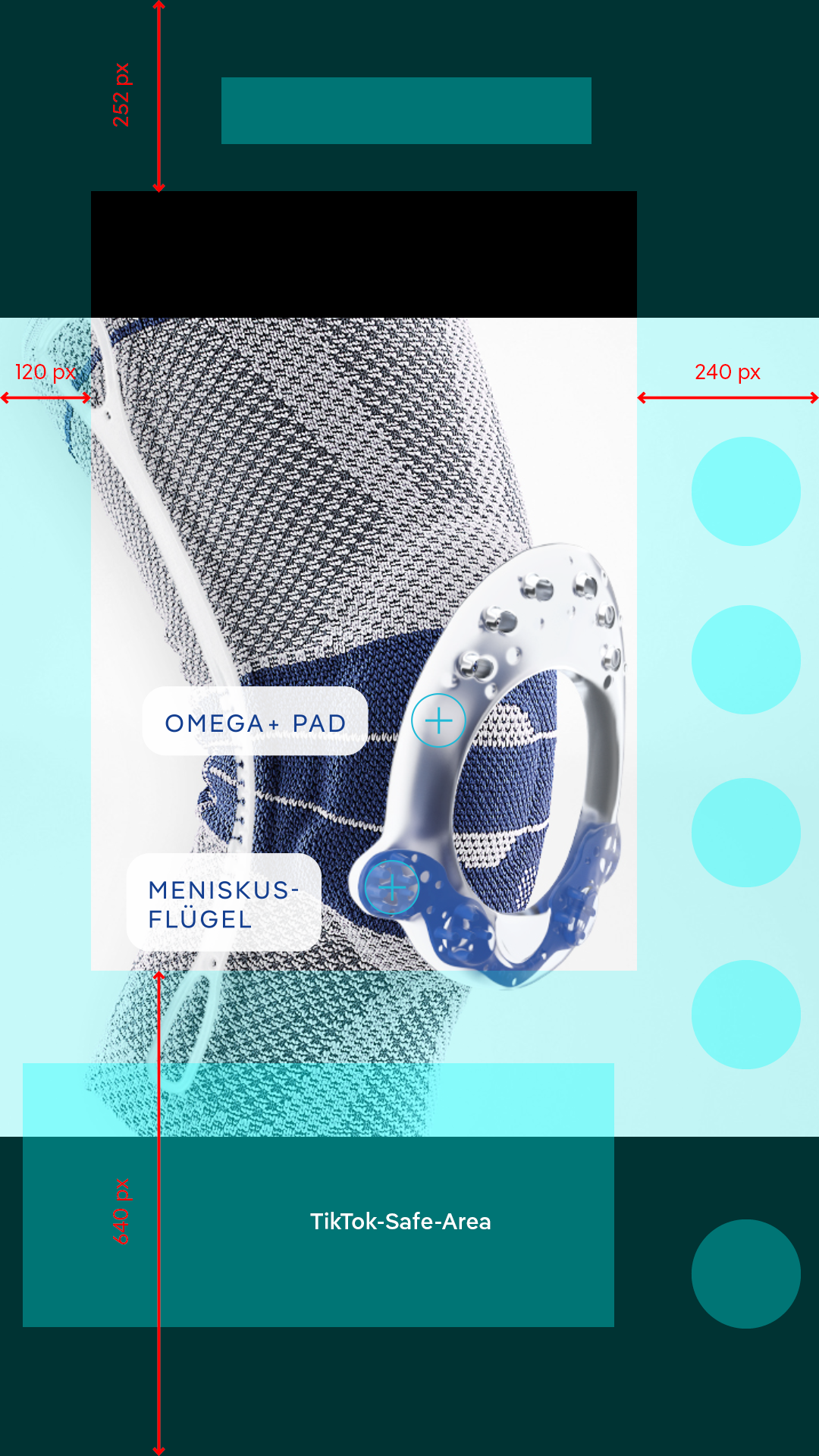
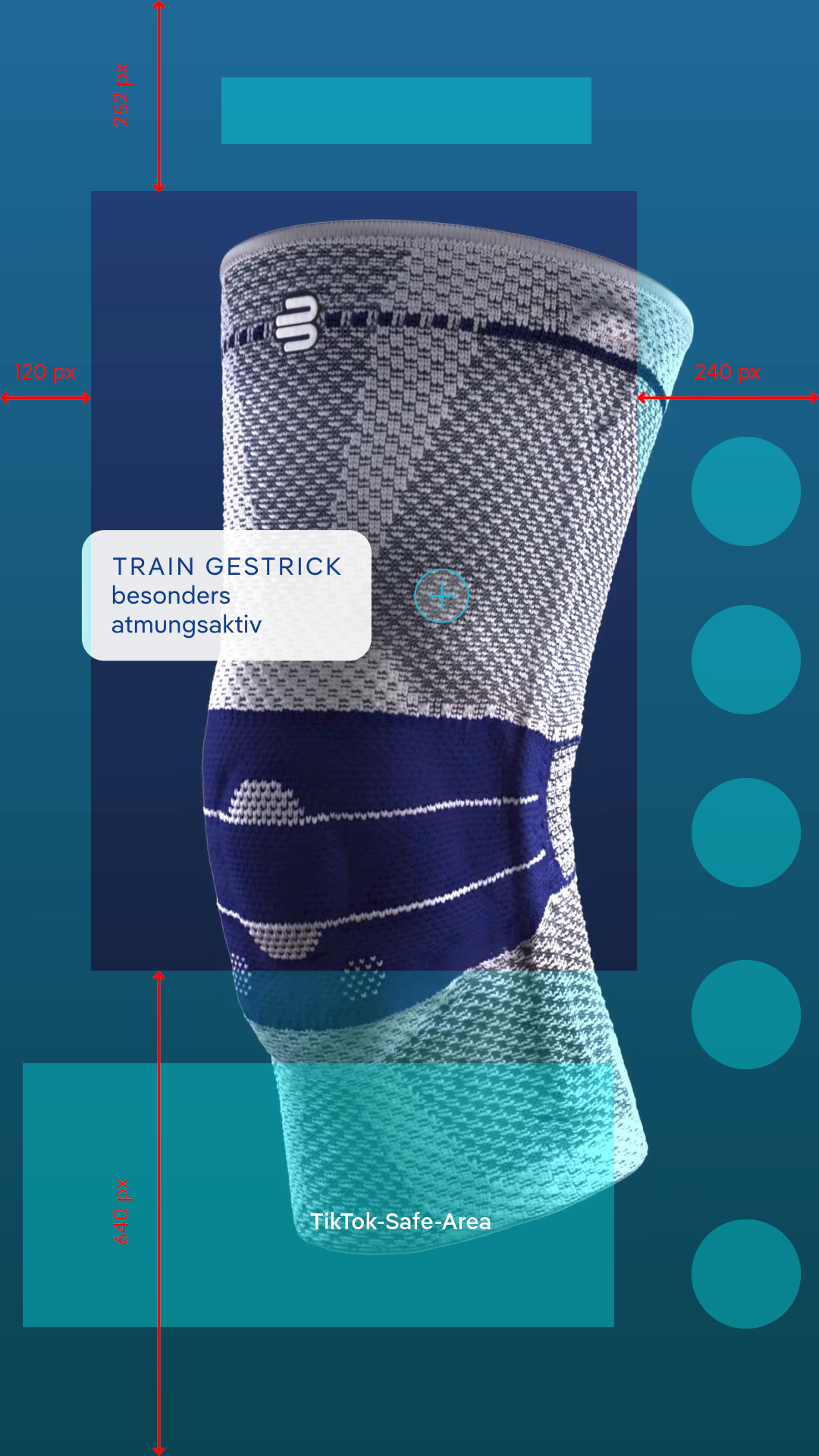
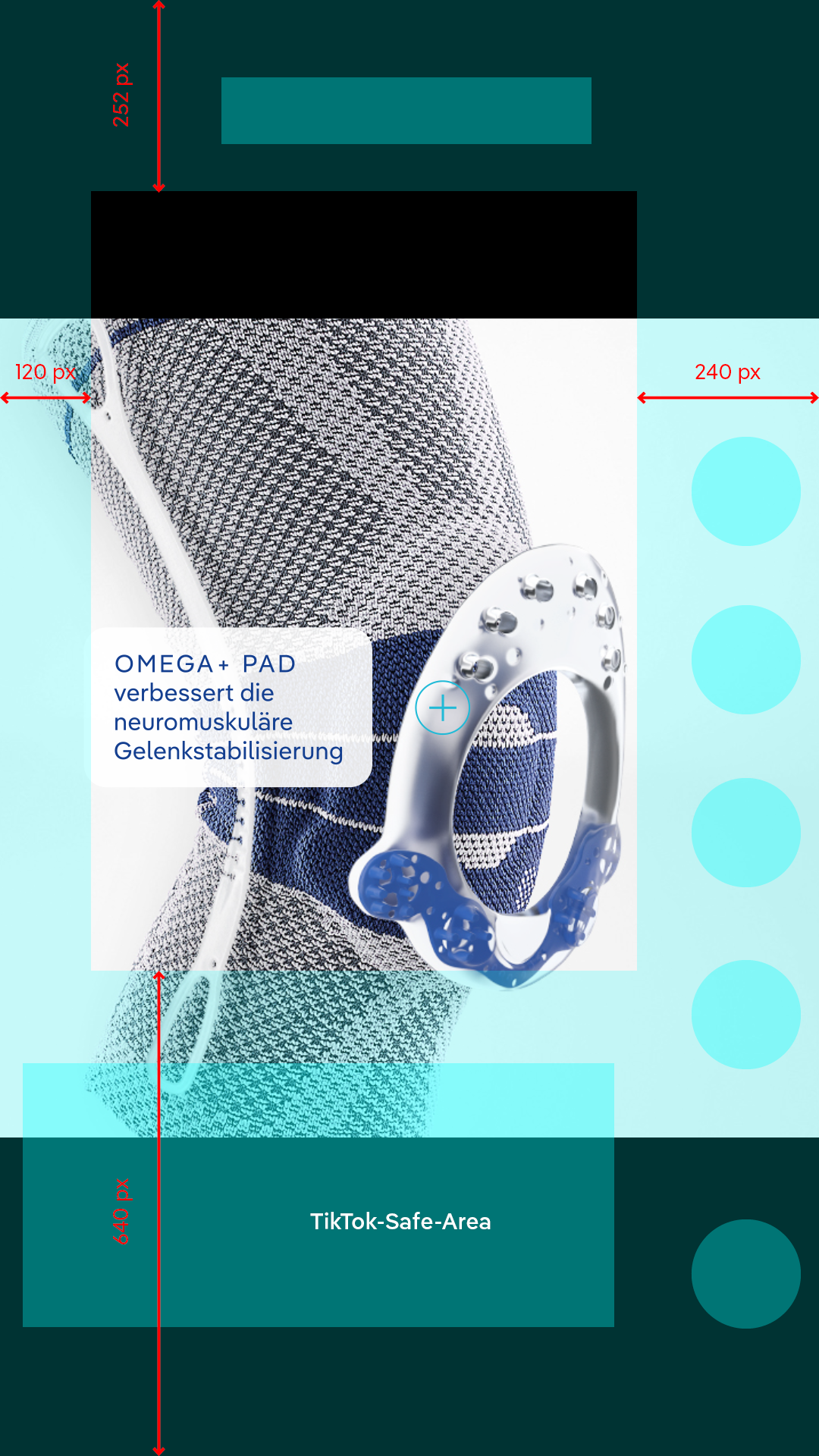
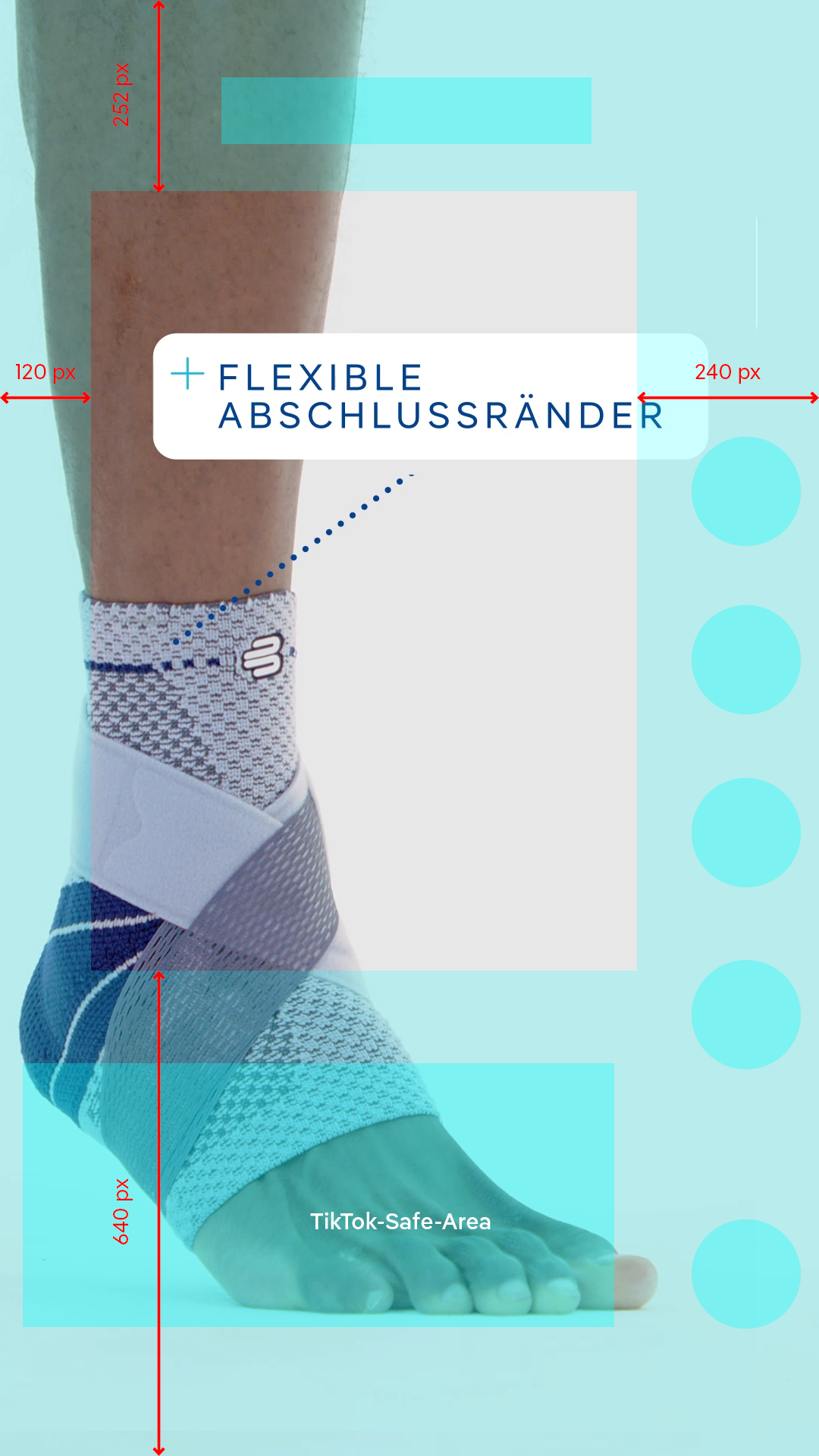
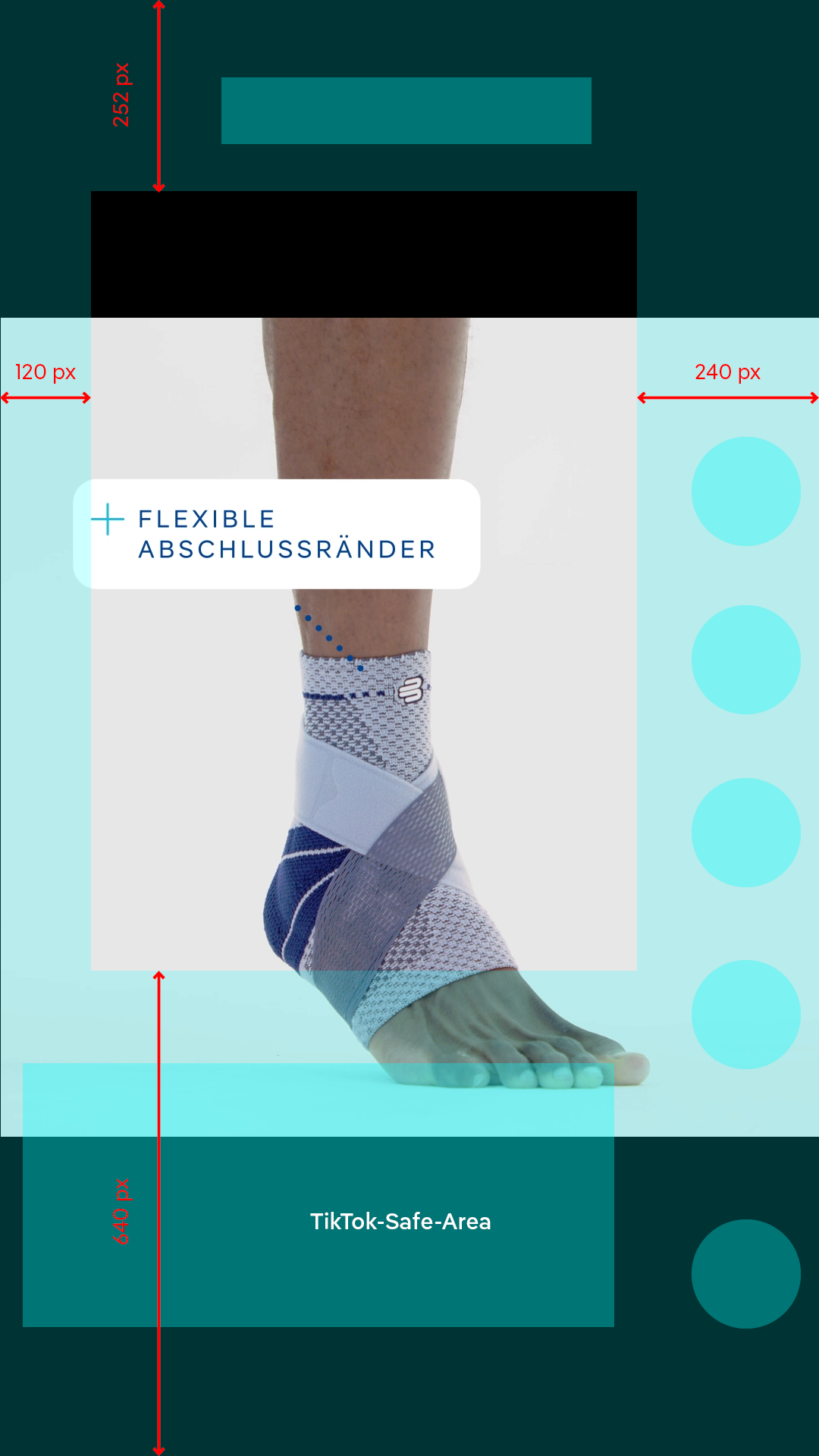
USP Displays with brief fade-in and fade-out of the text block over 5 frames.
- Text (16:9, 9:16, 1:1): Pangea Text Semi-Bold, 36 pt (60% spacing), 50 pt line spacing
- Centered text block when positioned in the middle, otherwise right-aligned
- Color: White, BF blue, BF Sports blue
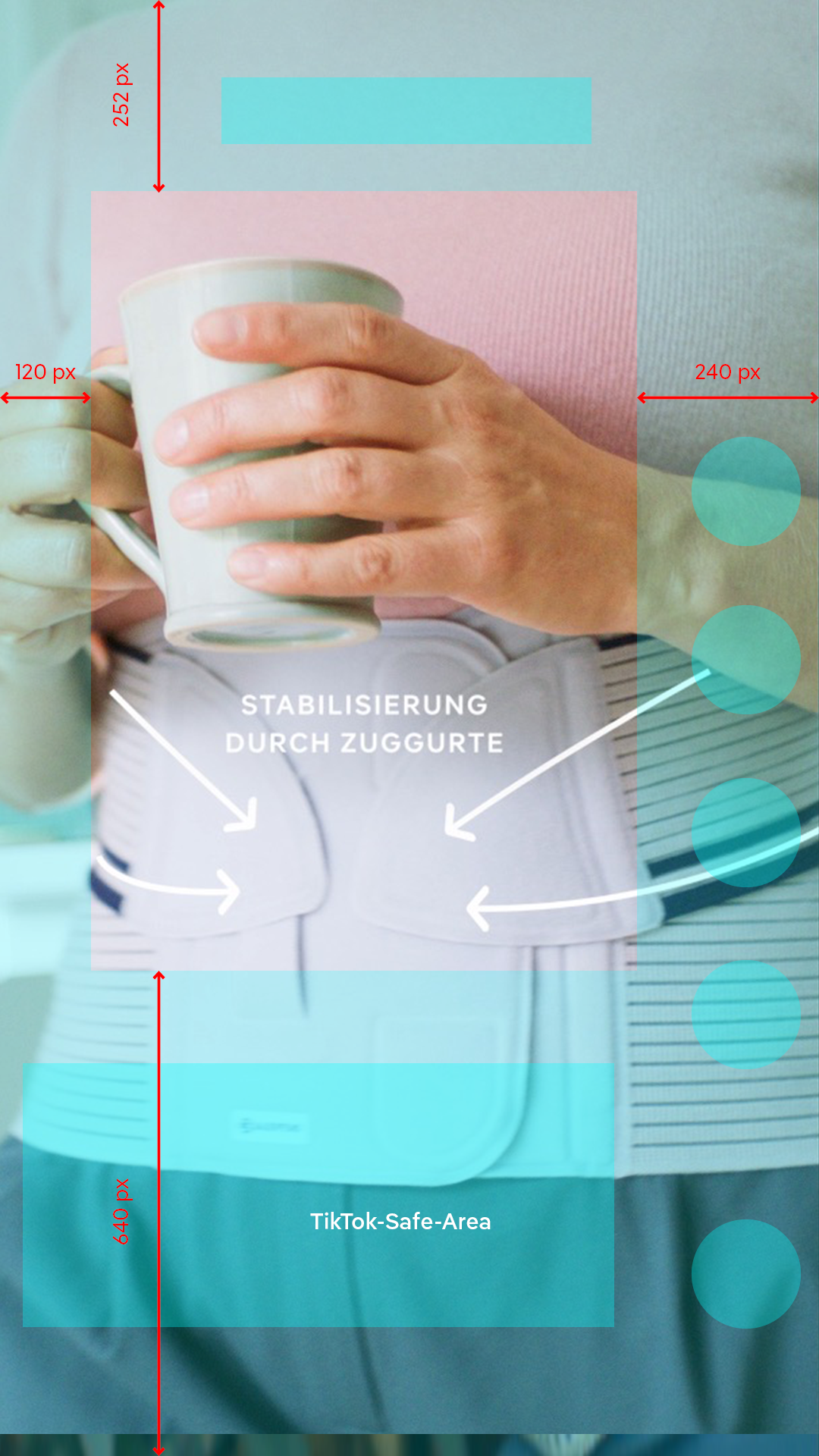
Subtitles are positioned within the safe area in 9:16 and 1:1 in the separate editing program. In a single-line display, the text position is the bottom line of a two-line subtitle. Font (based on Photoshop): Pangea Text Regular, white, 44 px/ line spacing 60 px background black with 70% opacity:
- 9:16: 510 px spacing to bottom edge of image
- 1:1: 180 px spacing to bottom edge of image
and accounts for the use of product mentions as permanent displays:
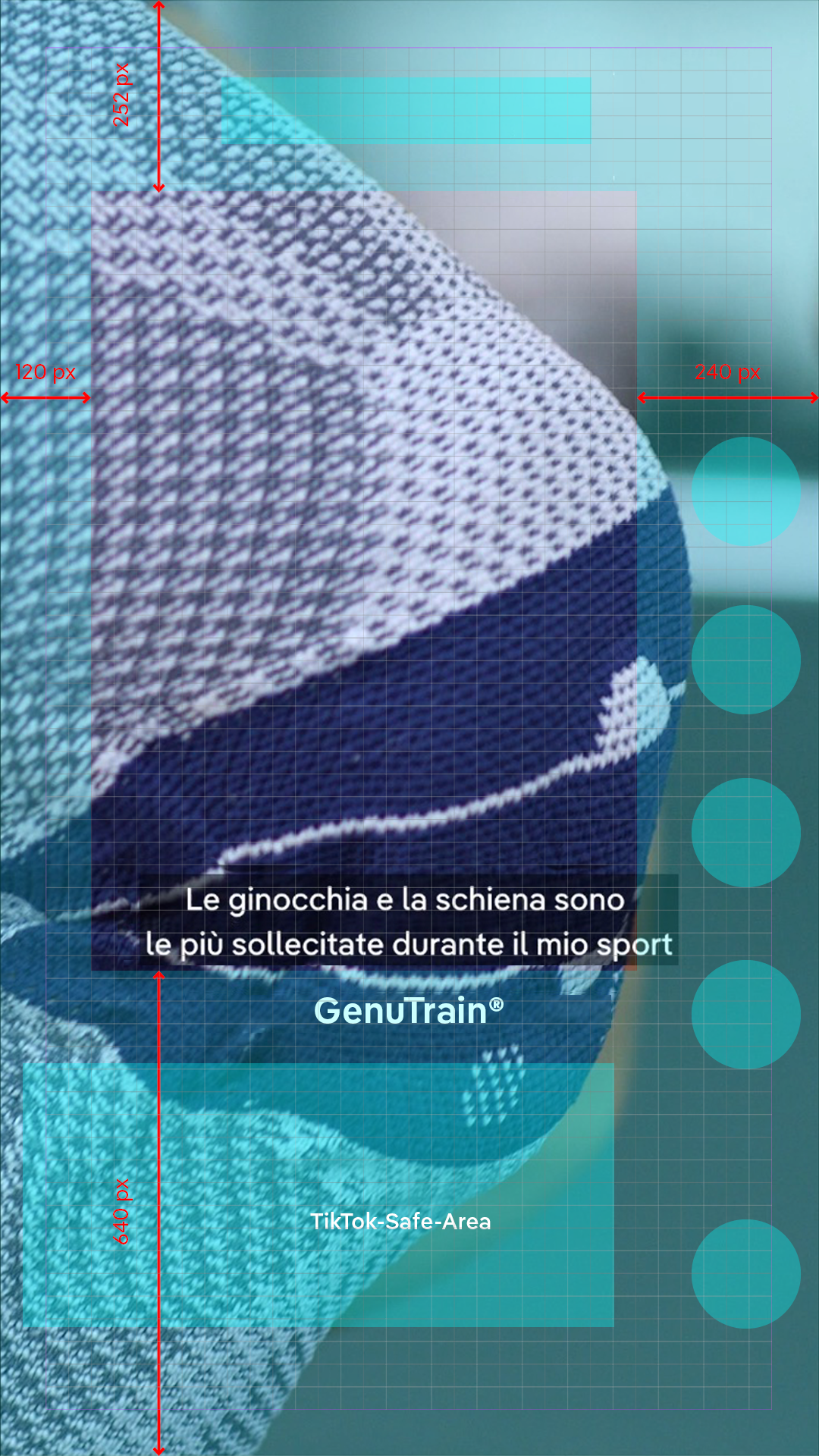
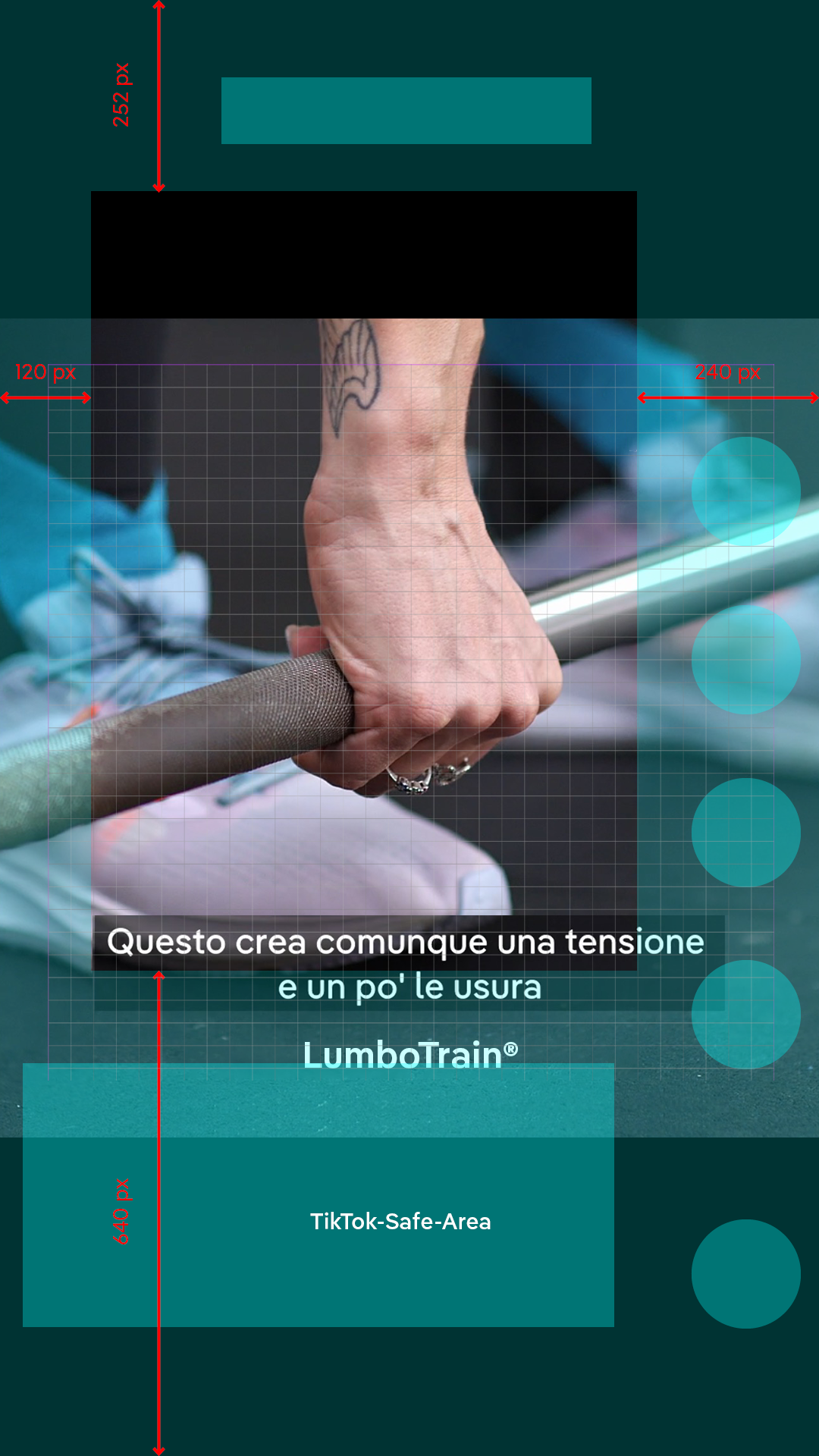
Product names are ALWAYS displayed just once in the running image. When mentioning the product in the title/CTA, the permanent display is faded out during this time. Fade in/fade out lasts max. 10 frames.
The product mention is centered horizontally in the grid.
Font: Pangea Text Semi-Bold in white, Medical blue or Sports blue, 48px (based on Photoshop):
- 9:16: Spacing 390 px to bottom edge of image
- 1:1: Spacing 60 px to bottom edge of image
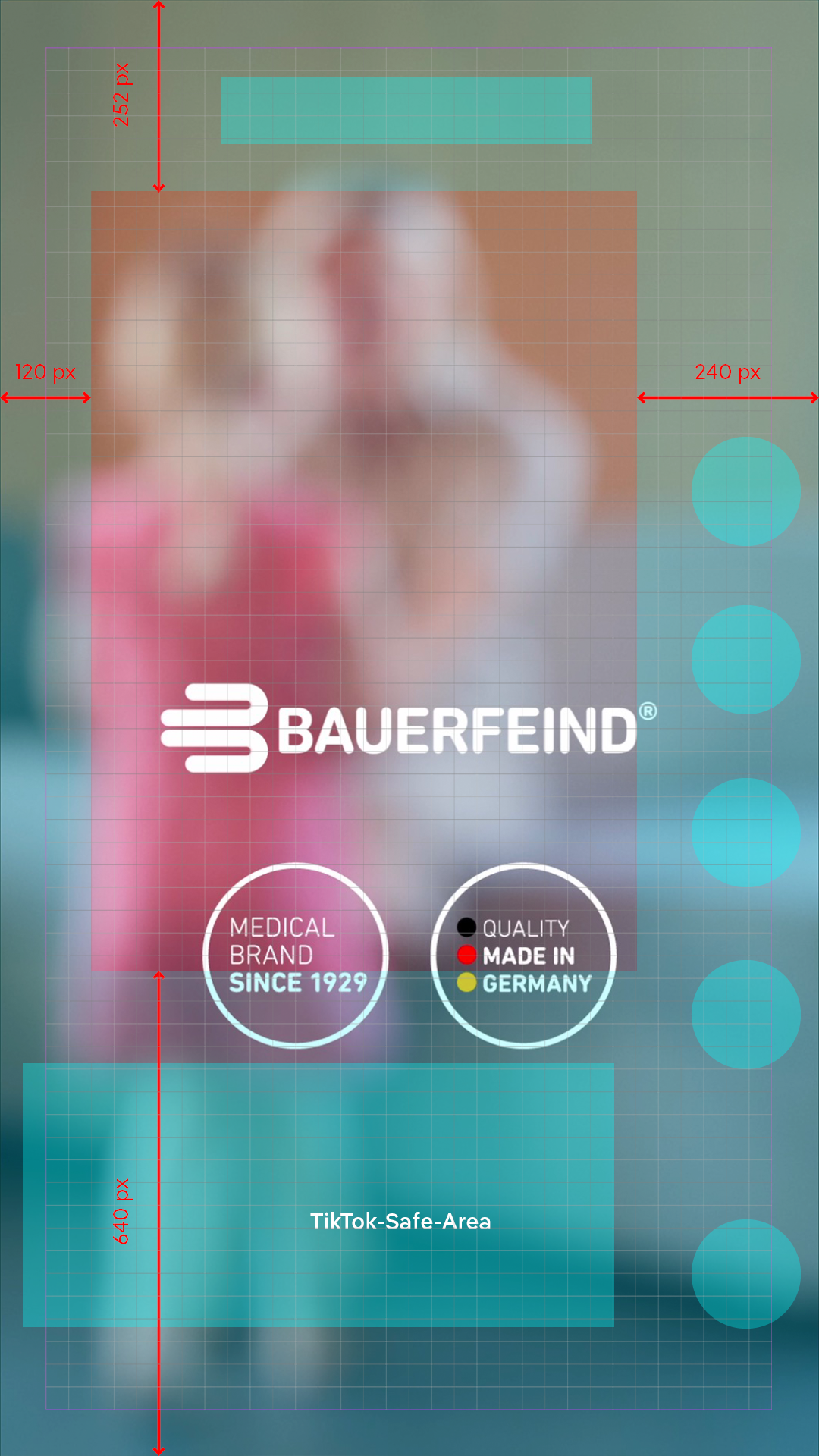
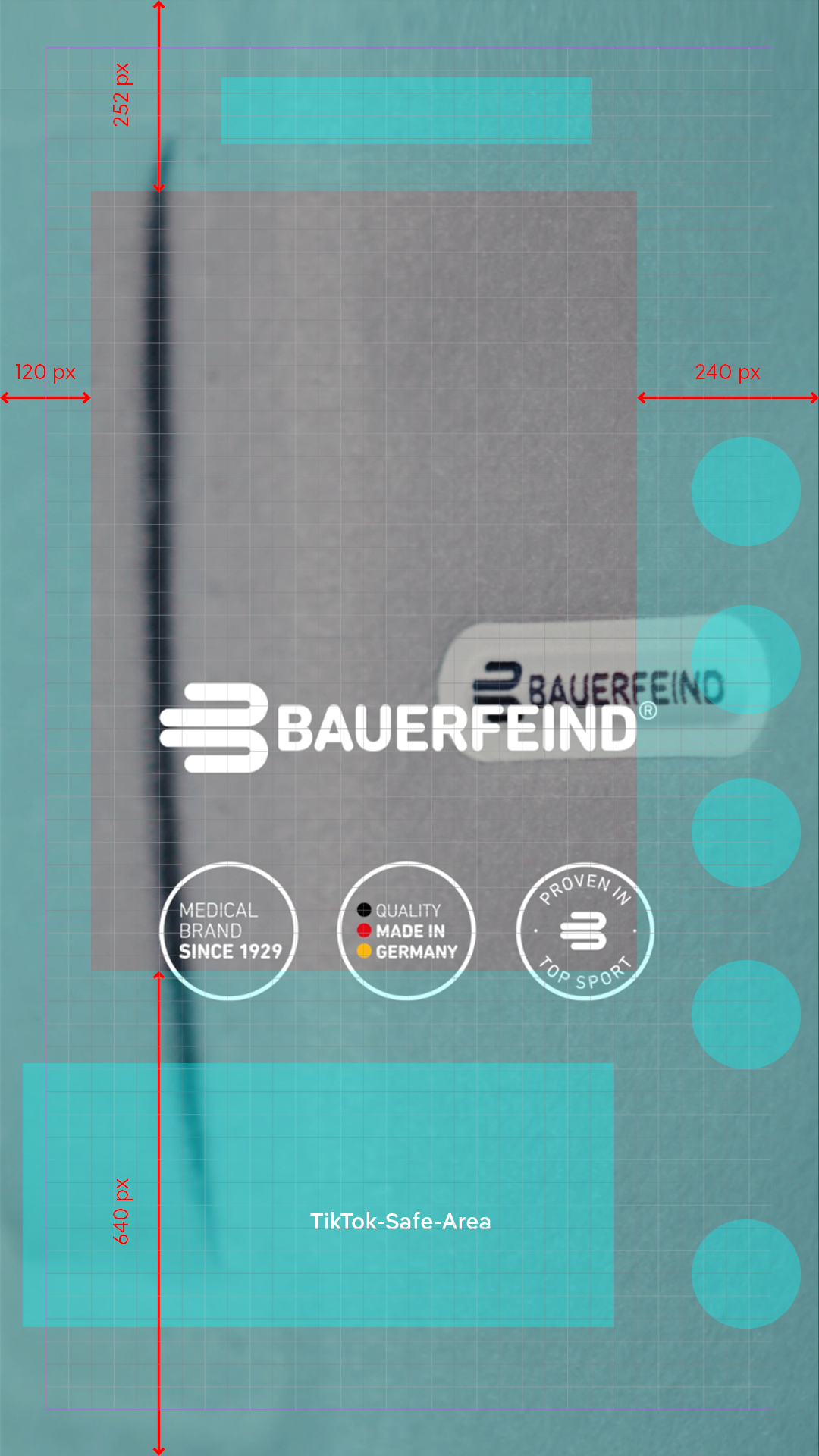
Quality seals can be displayed in a group of 2 or 3 as PNGs with a fade in/fade out of max. 10 frames. Seals can be used with or without the outro logo animation.
- Color: White, BF blue
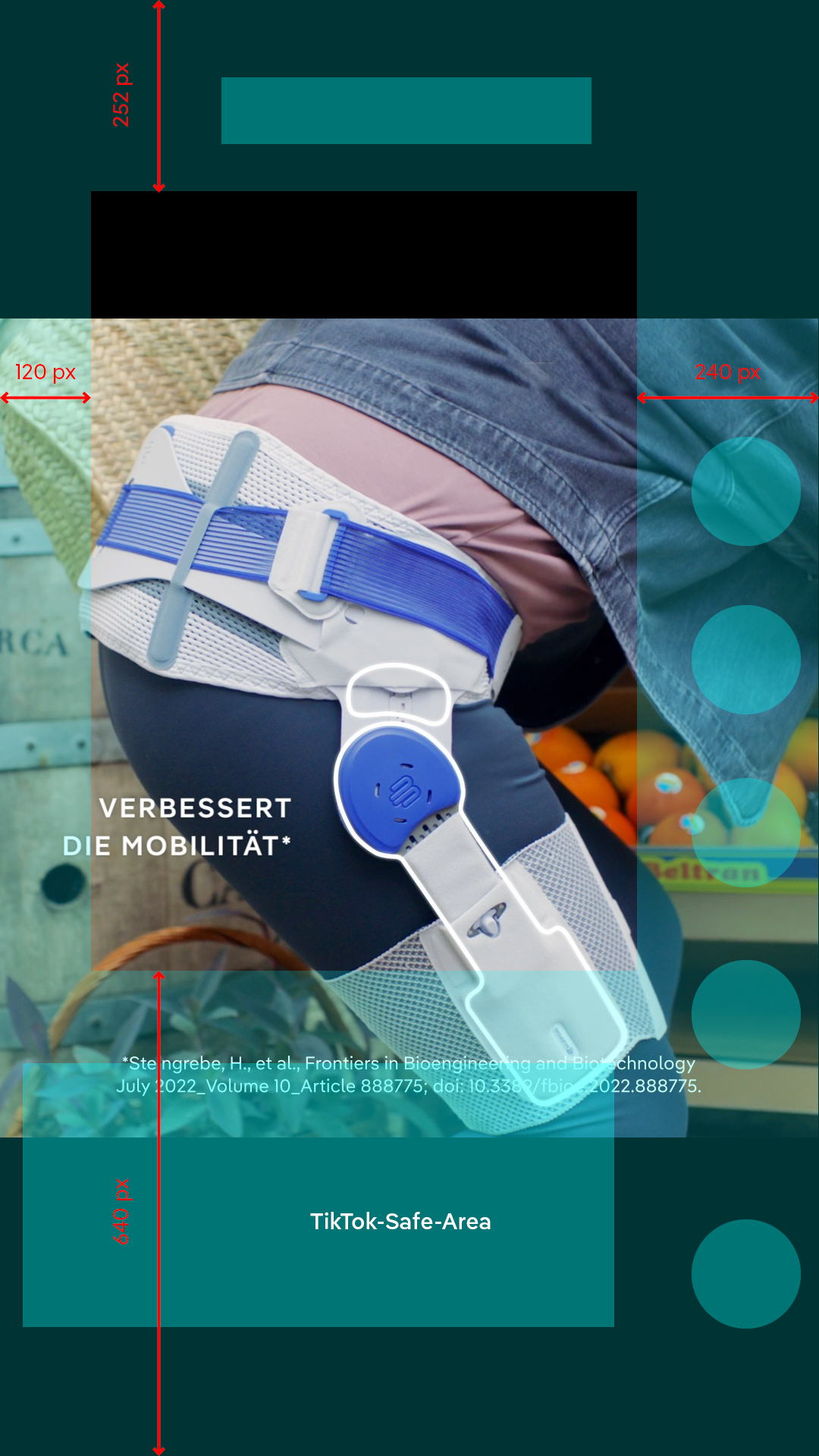
References of texts are arranged on the left-hand side (9:16) or on the bottom of the picture (1:1) with a baseline position of 60 px. Use the following settings:
- Color: White, BF BLUE, BF SPORTS BLUE
- Font: Pangea Text Regular, 24 px / line spacing 30 px