Logo on image
A background image should ideally be selected and positioned so that the part of the image underneath the logo is quiet and does not disturb the logo.

If BF BLUE does not provide enough contrast with the background, the white logo can be used instead.

Otherwise, a subtle drop shadow (or similar) can be used. The shadow should only be strong enough to ensure a clear presentation of the logo. The shadow itself should not stand out.

In order to increase the legibility of the text, a gradient can be used. This can stand out if so desired. BF BLUE should be used for the gradient. In other cases, a subtle black gradient can be used instead.

Logo height/page margin
| 72×279 | DIN Lang | DIN A5 | DIN A4 | DIN A3 | DIN A2 | DIN A1 |
| 8 mm | 9 mm | 8 mm | 12 mm | 18 mm | 24 mm | 36 mm |
For other formats, the logo height must be selected to ensure visual harmony with the prescribed logo heights. The headline size (H1) can be derived from this logo height. The following rule can be used here. However, the result only serves as a guideline value to prevent excessively large or small headlines.

Headline
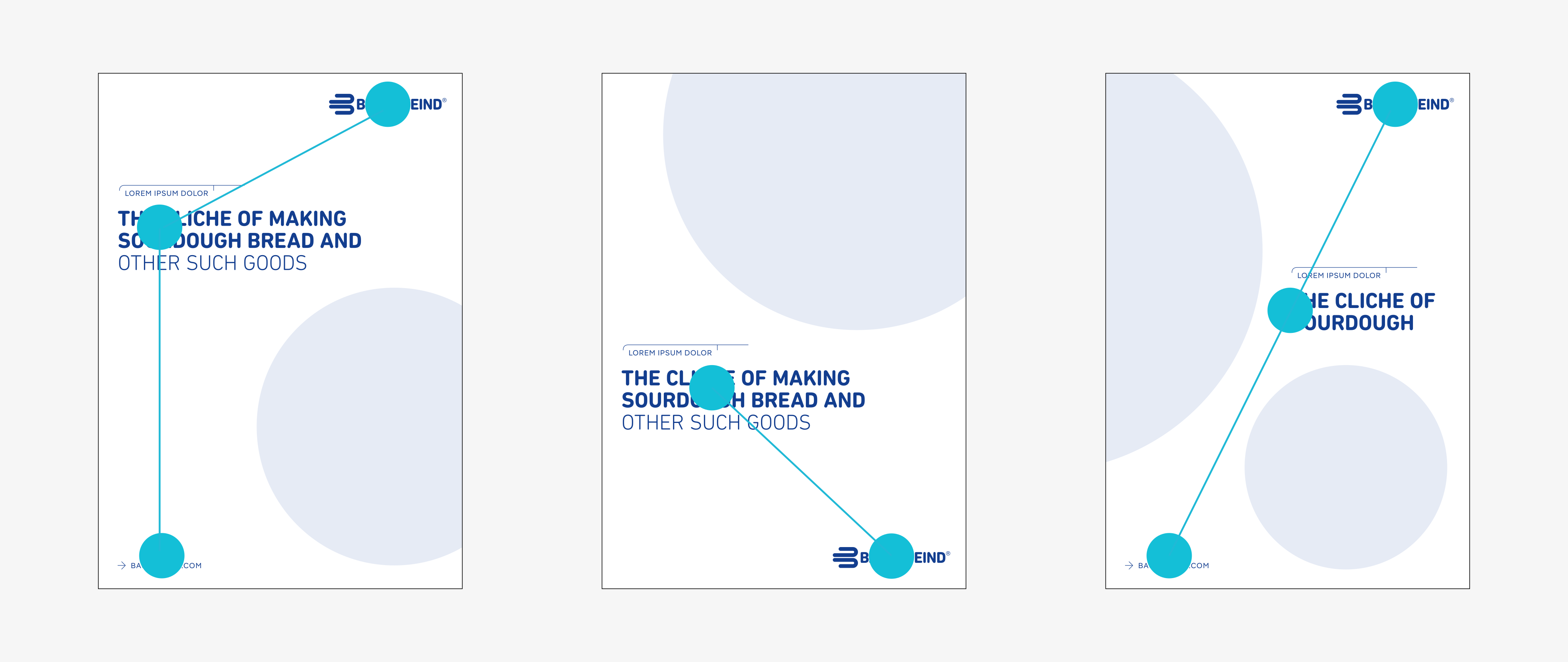
The headline can be moved upward and downward as desired. Particularly in portrait format, the middle 75% of the page height is preferred. In specific cases, the headline (H1) can also be shifted to the right (see configurations 2).
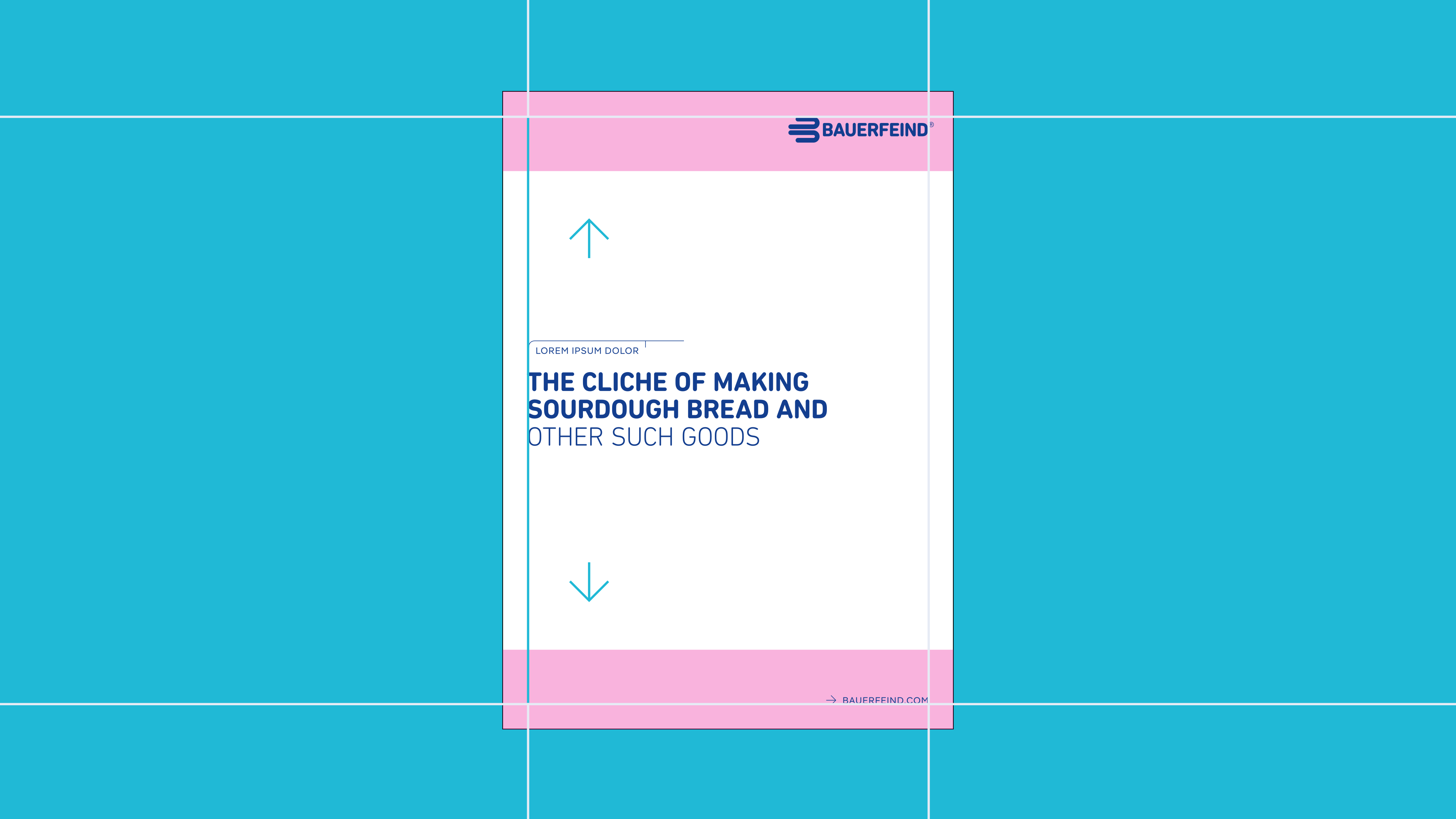
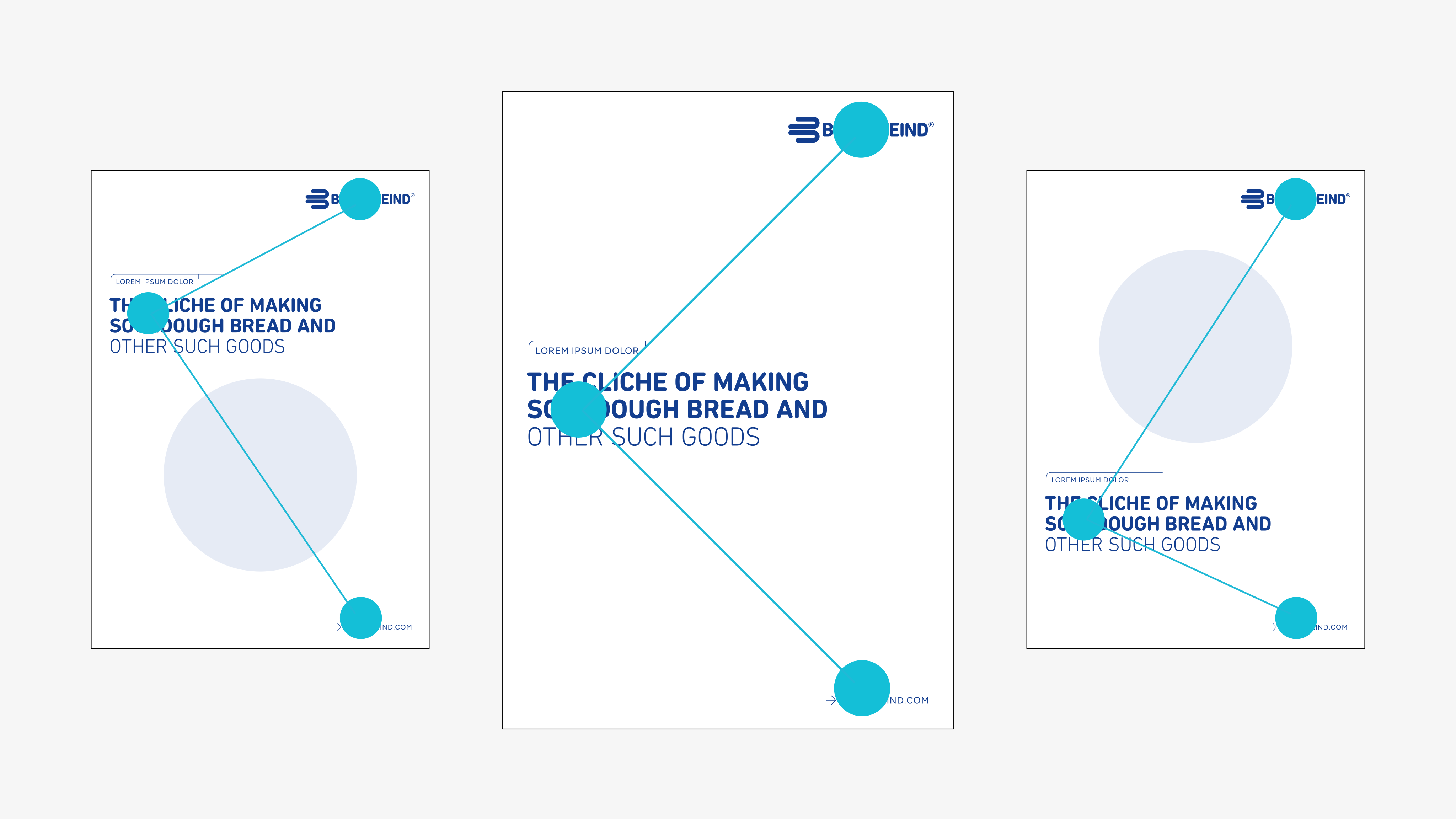
Configurations 1
The relationship between the core elements of a display/title page is based on the content of the background.
Configurations 2
Certain images pose challenges for the layout. In such cases, other configurations can be used.