
There are two versions available in the template: The intro headline at the start of a film and text displays that can occur multiple times throughout the film:
Intro headline
This is only used once at the start of a film. While it can be positioned left or right, the text itself remains left-aligned. It can move vertically at the editor’s discretion, albeit within the grid. In landscape, the headline can be a maximum of 3 lines long. In portrait, this extends to 4 lines. The subheading can be a maximum of 2 lines long.
The info tab should be used for categories, product names and other such additional information.
You can input text using Essential Graphics.

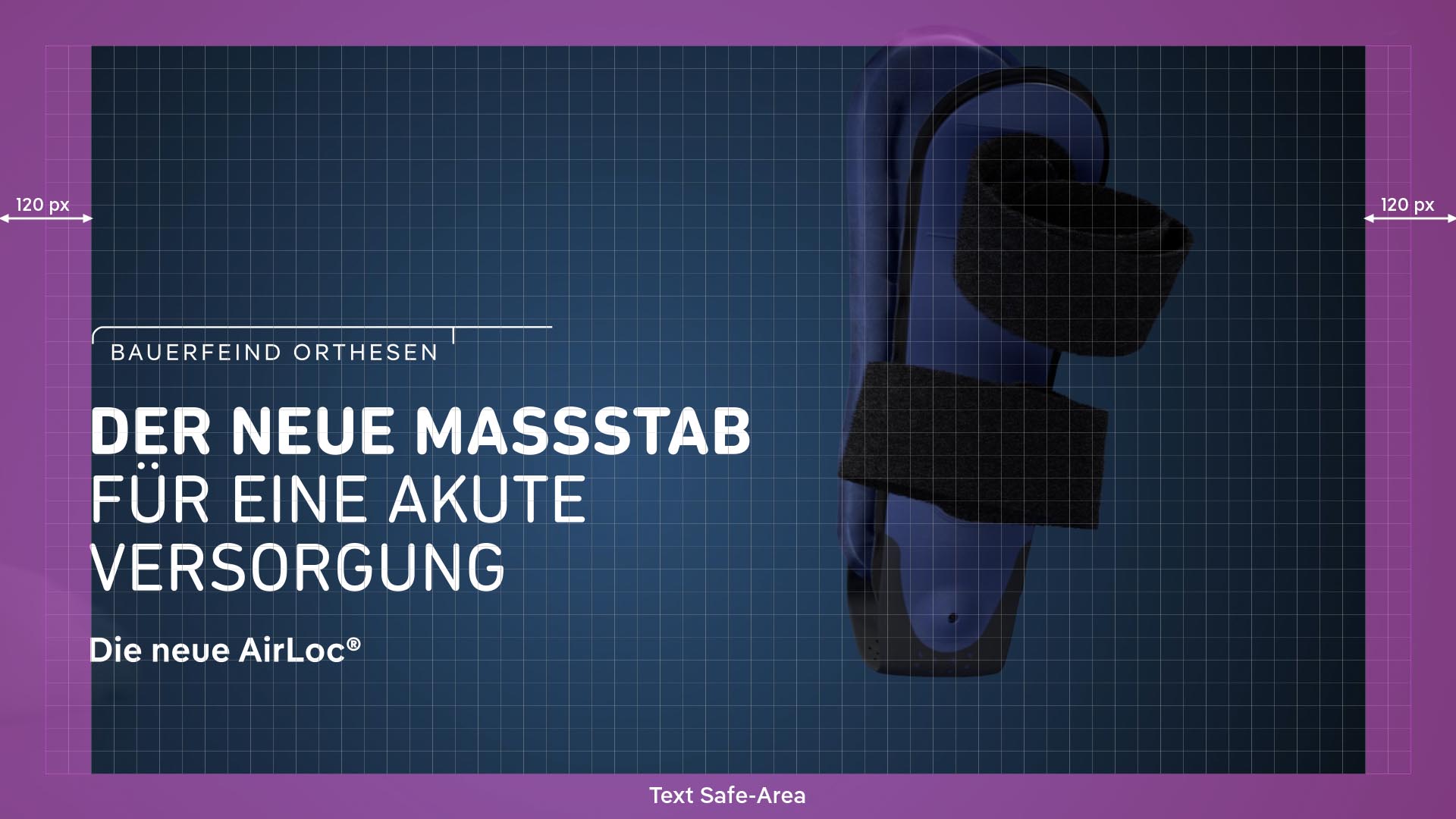
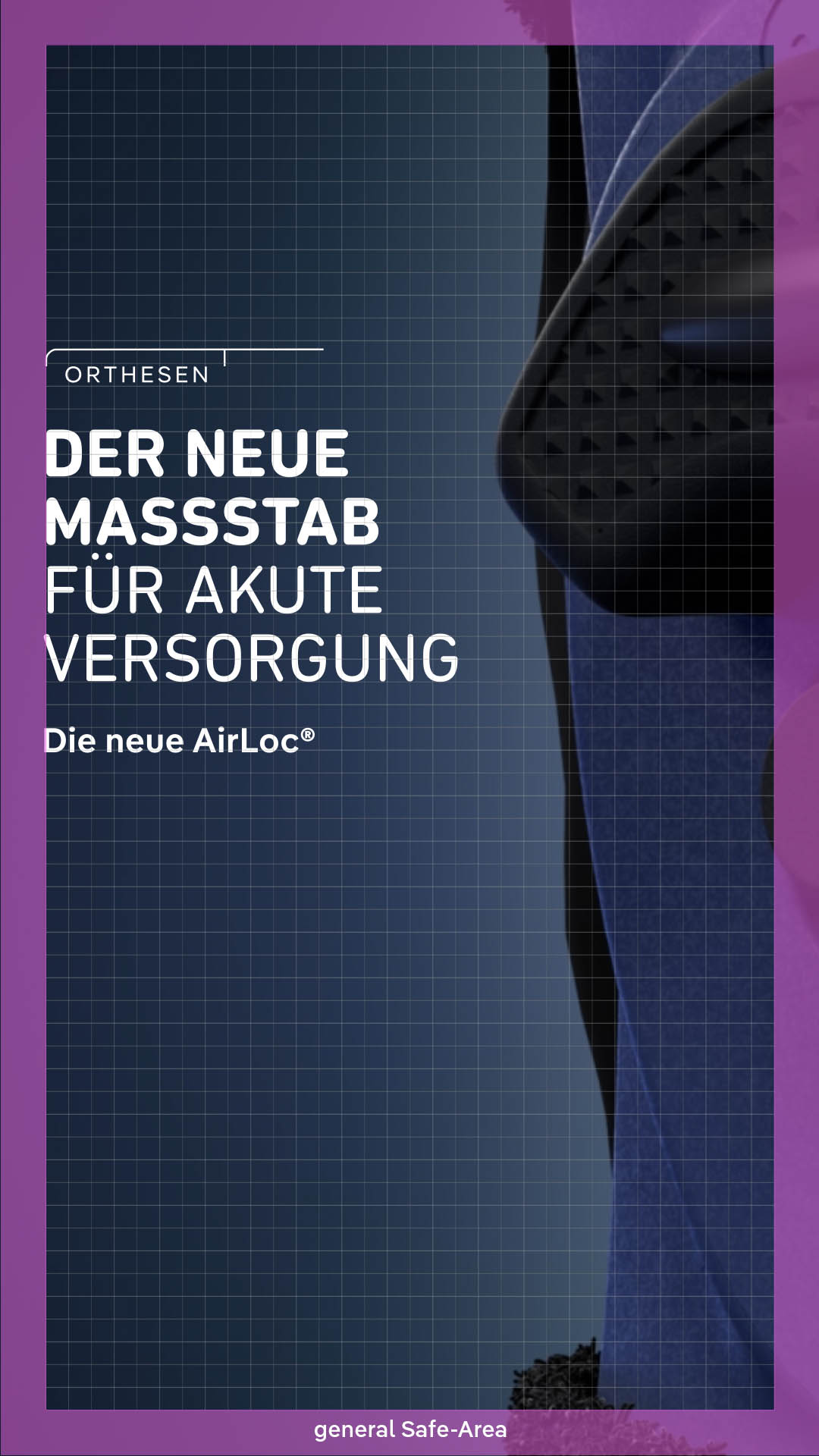
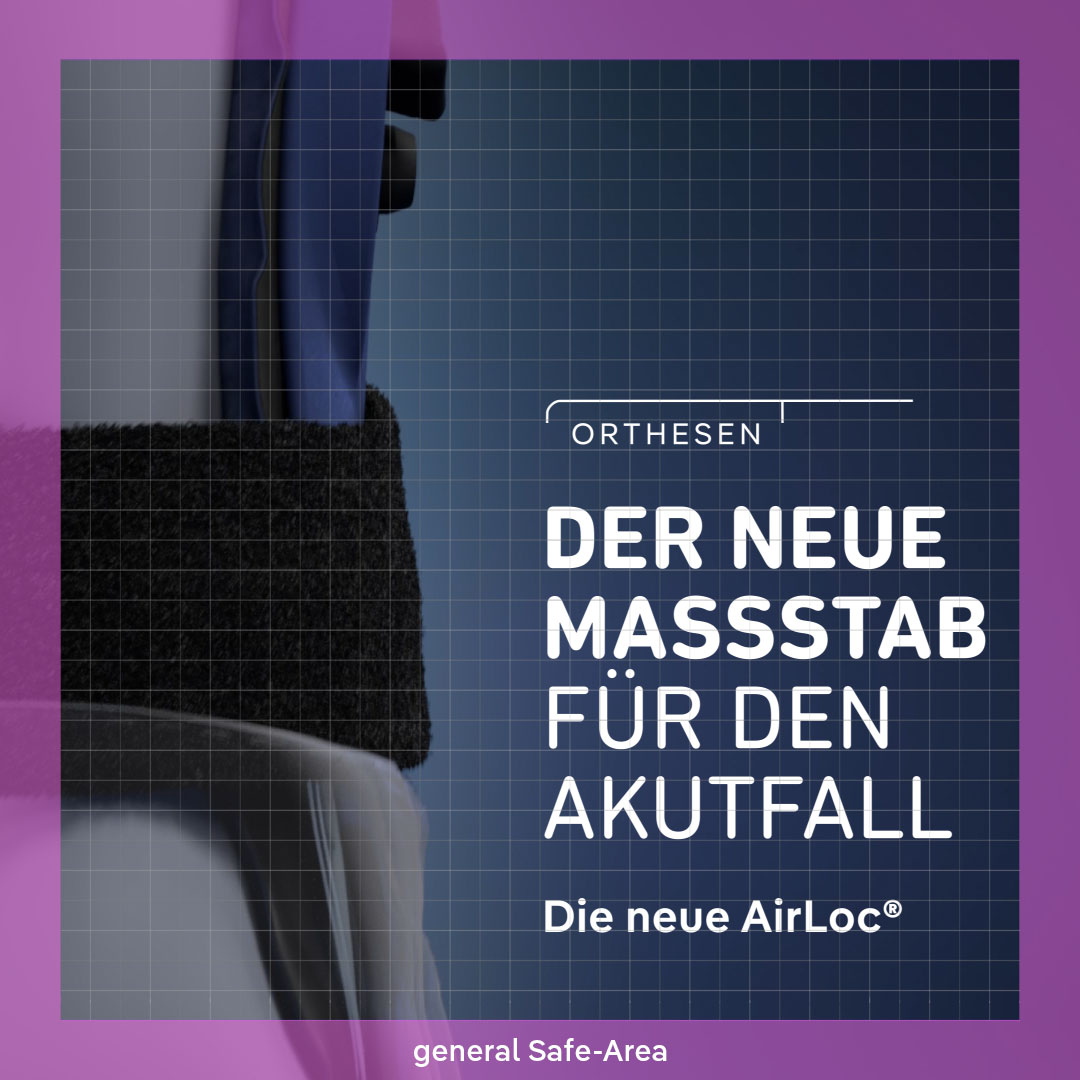
Intro/headline rules for use in social media can be found here: Social media
Text displays
Text displays can consist of one to three lines and be used multiple times in the film. They can be positioned on the left, right, or in the center, but, like the intro headline, the text itself always remains left-aligned.
Type can only be displayed within the safe area (see below) – up to 120 px (16:9) or 60 px (9:16, 1:1) from the sides of the frame.
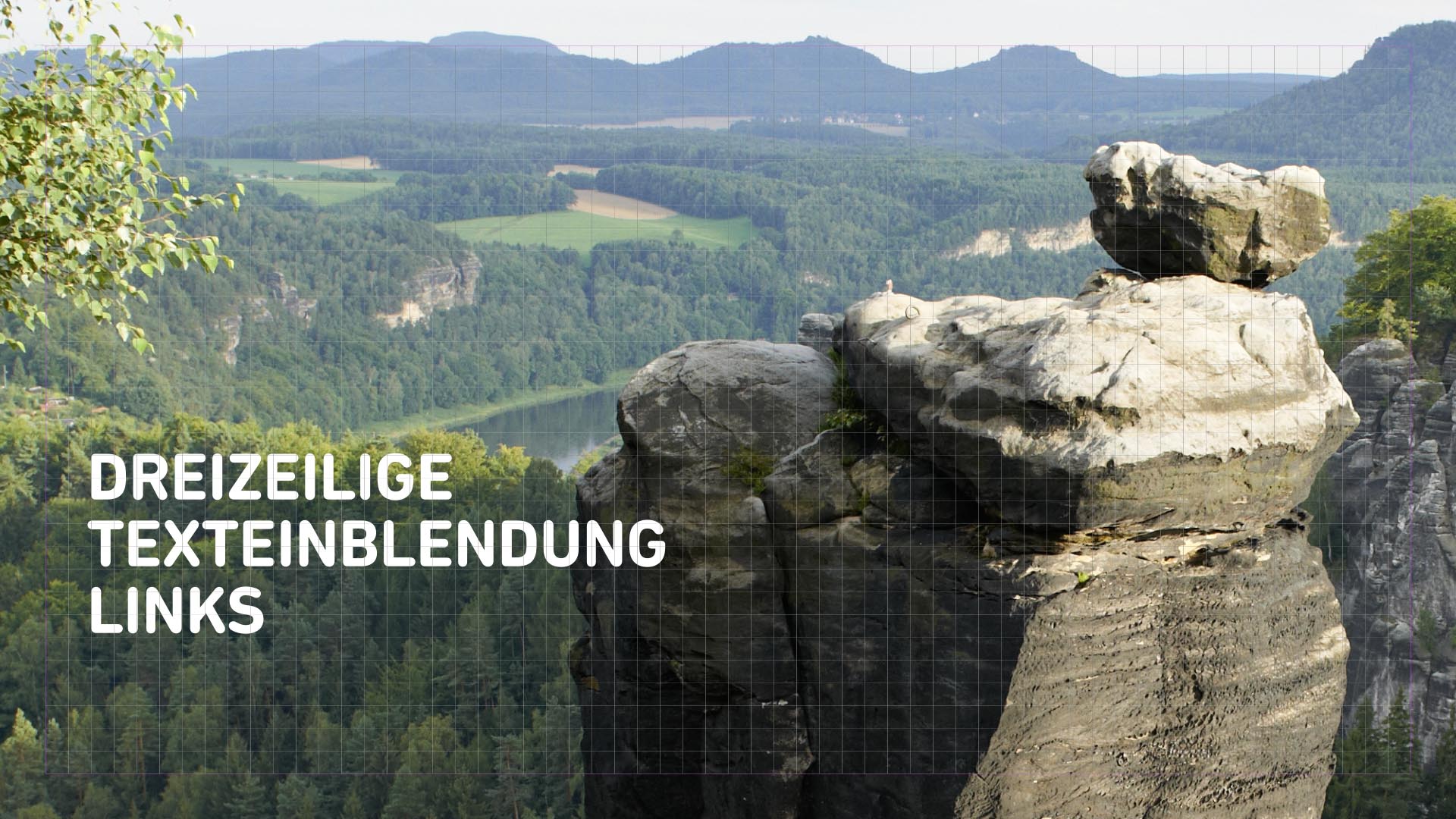

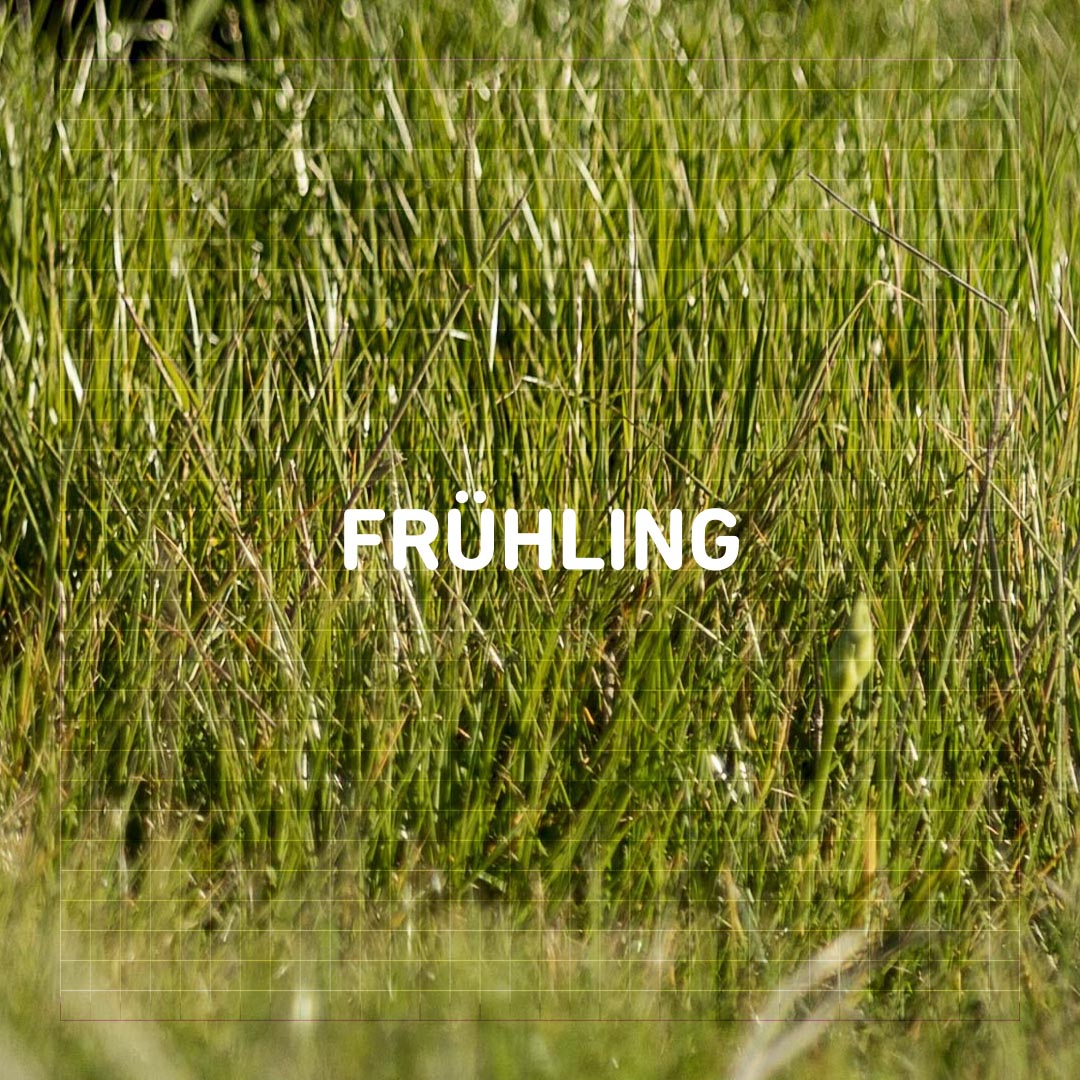
The individual lines in all text displays are in Bold by default but can be changed to Regular if necessary.

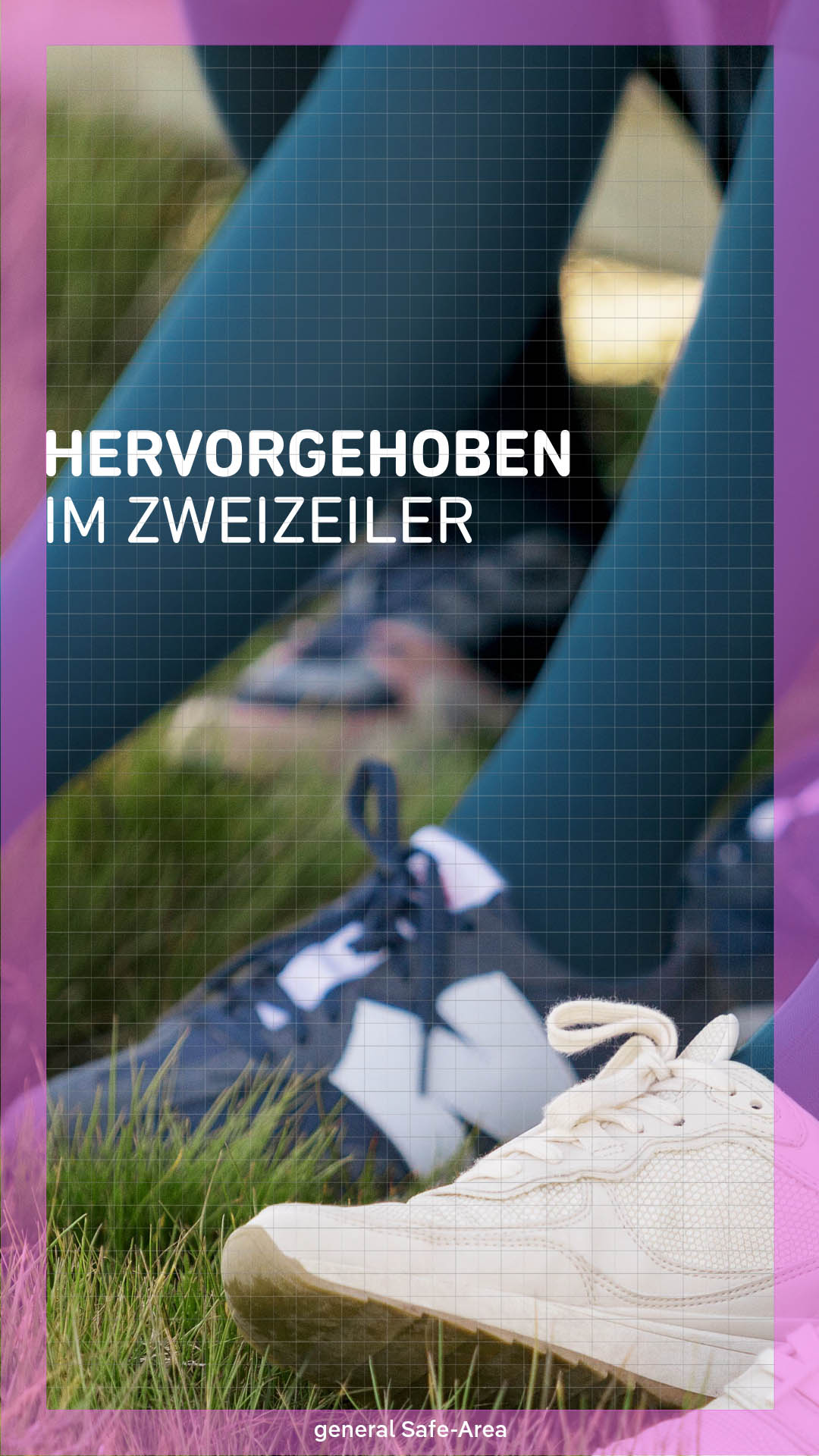
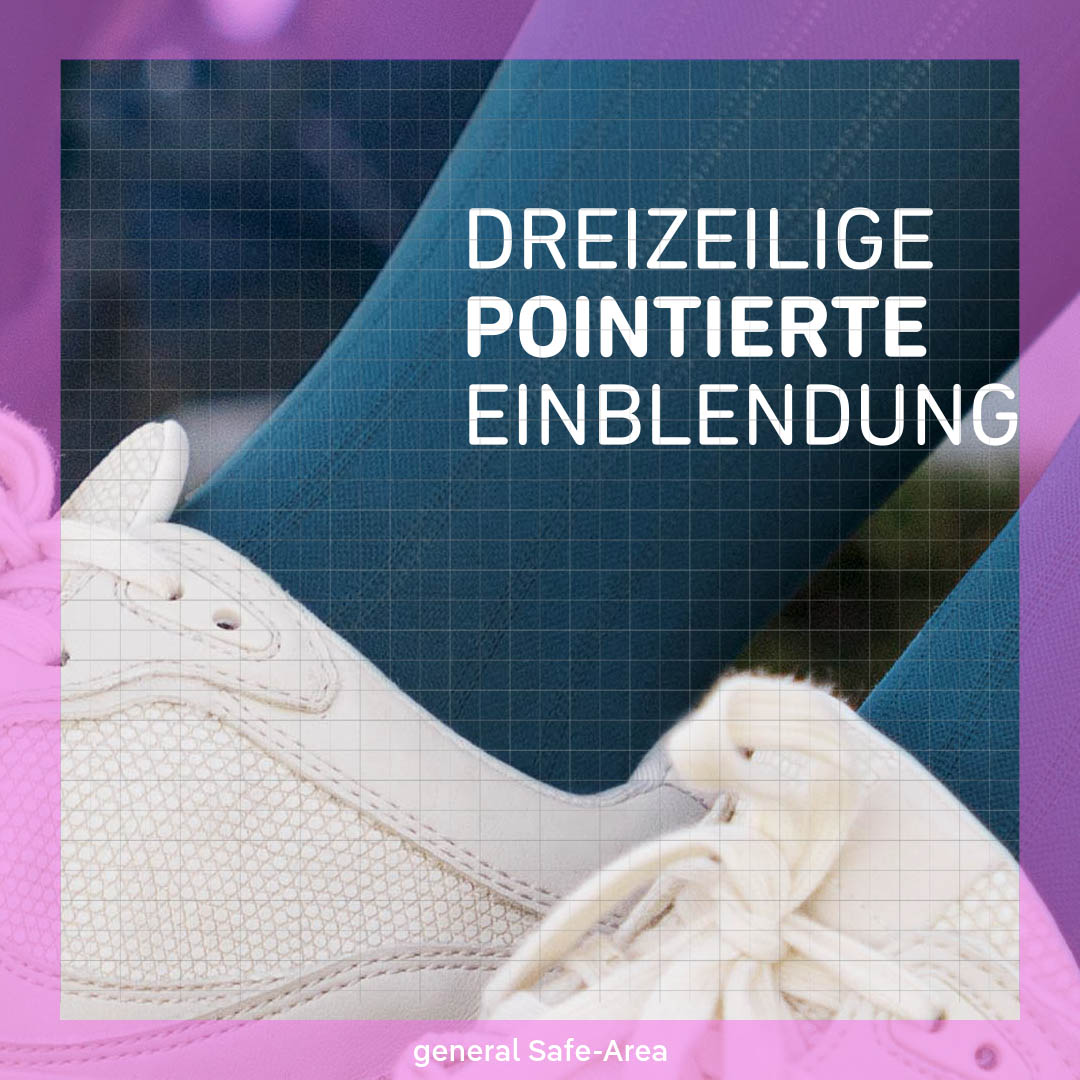
Headlines should be positioned in the same place across different frames.

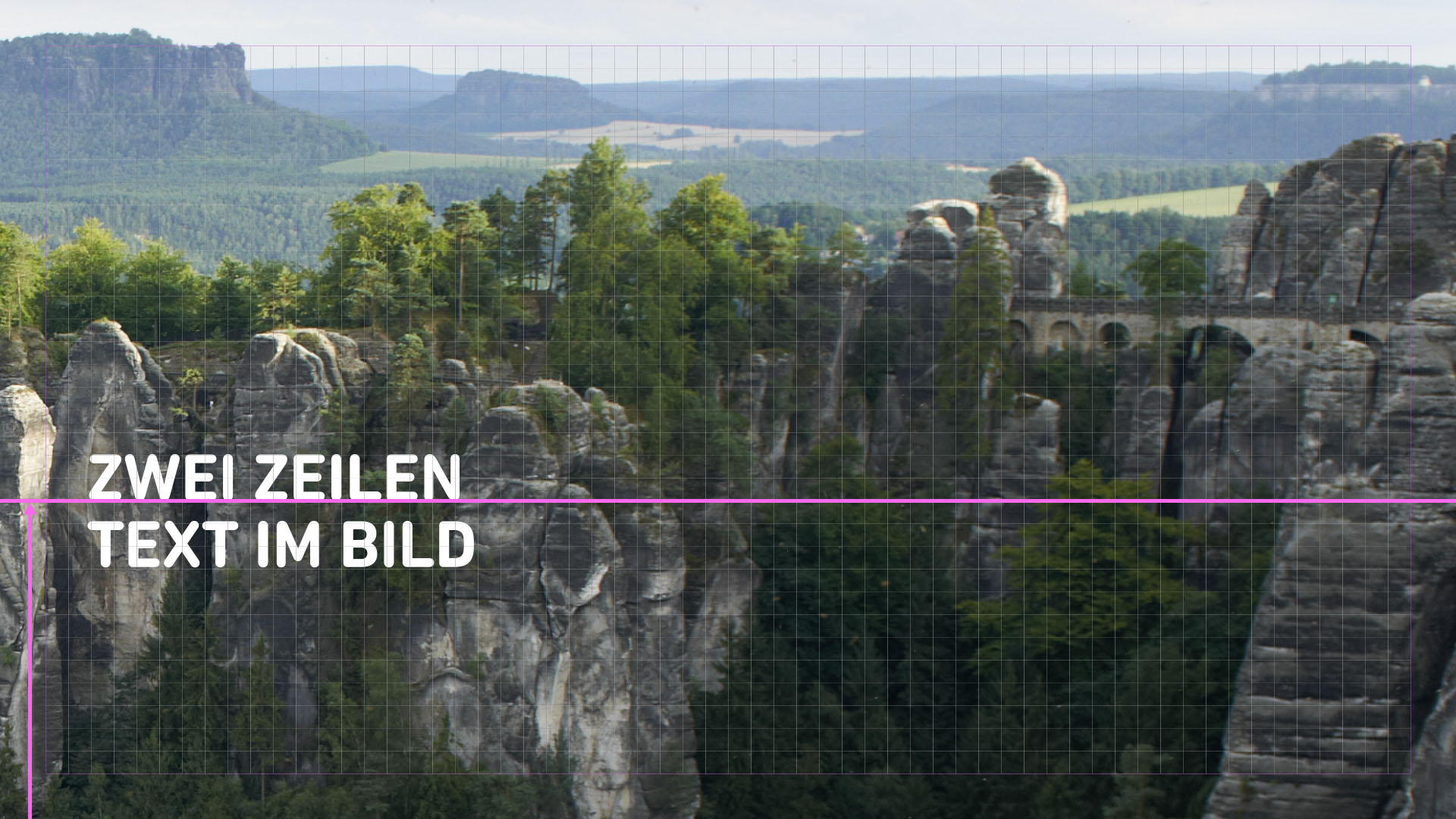

Beispiele für 9:16

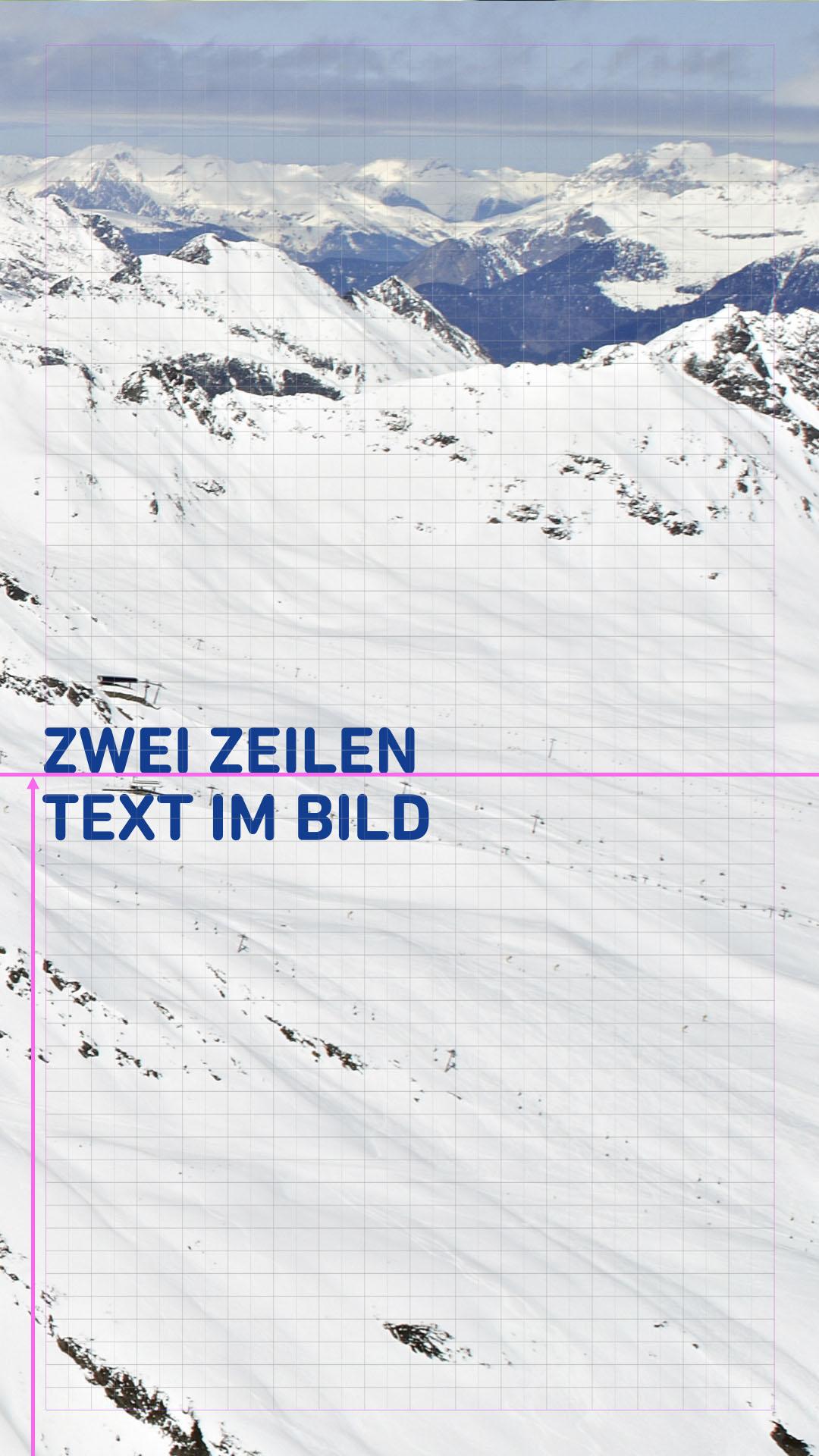

Beispiele für 1:1


Multiple individual keywords should be positioned centrally in the image, as pre-positioned in the template:
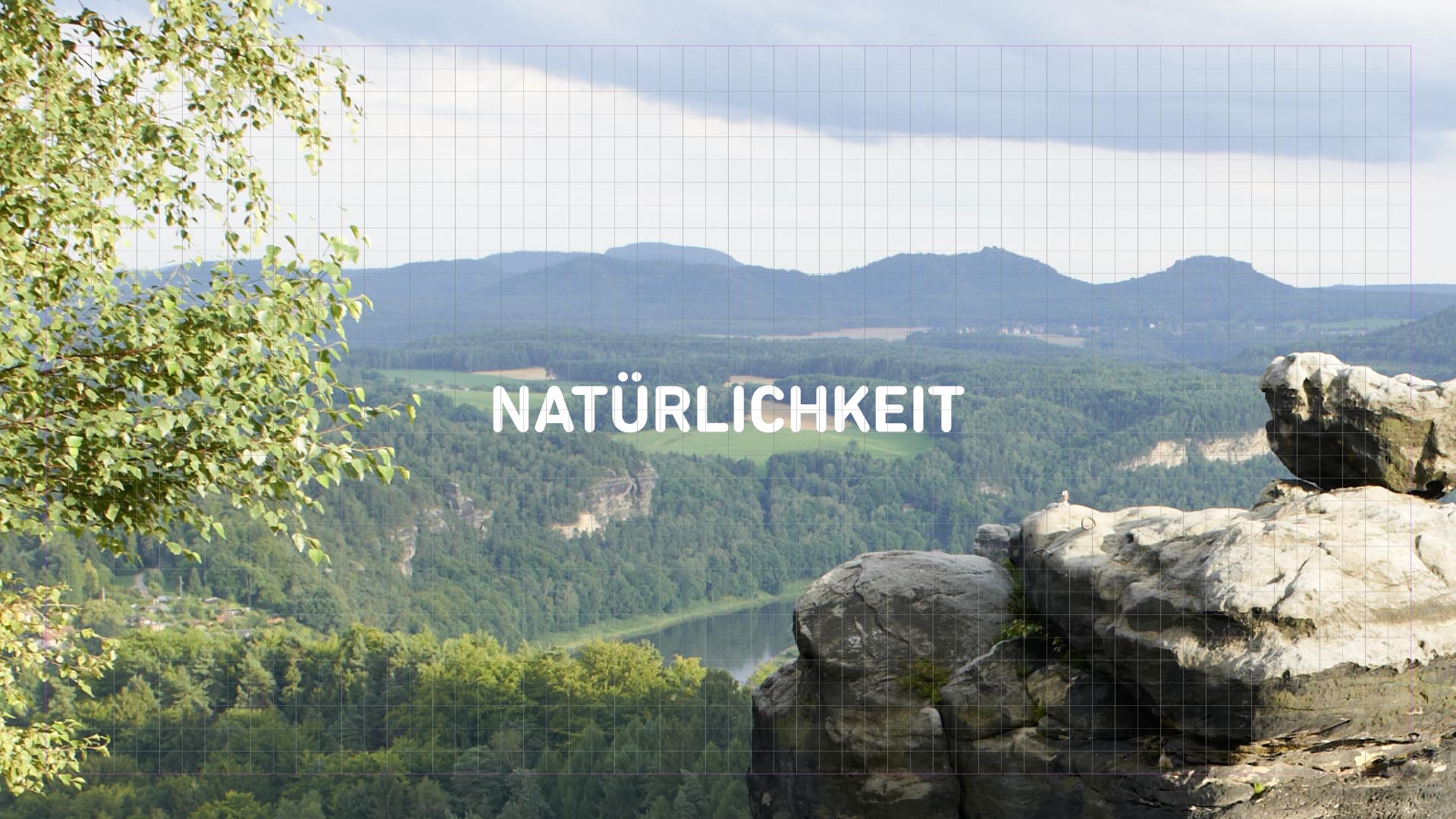
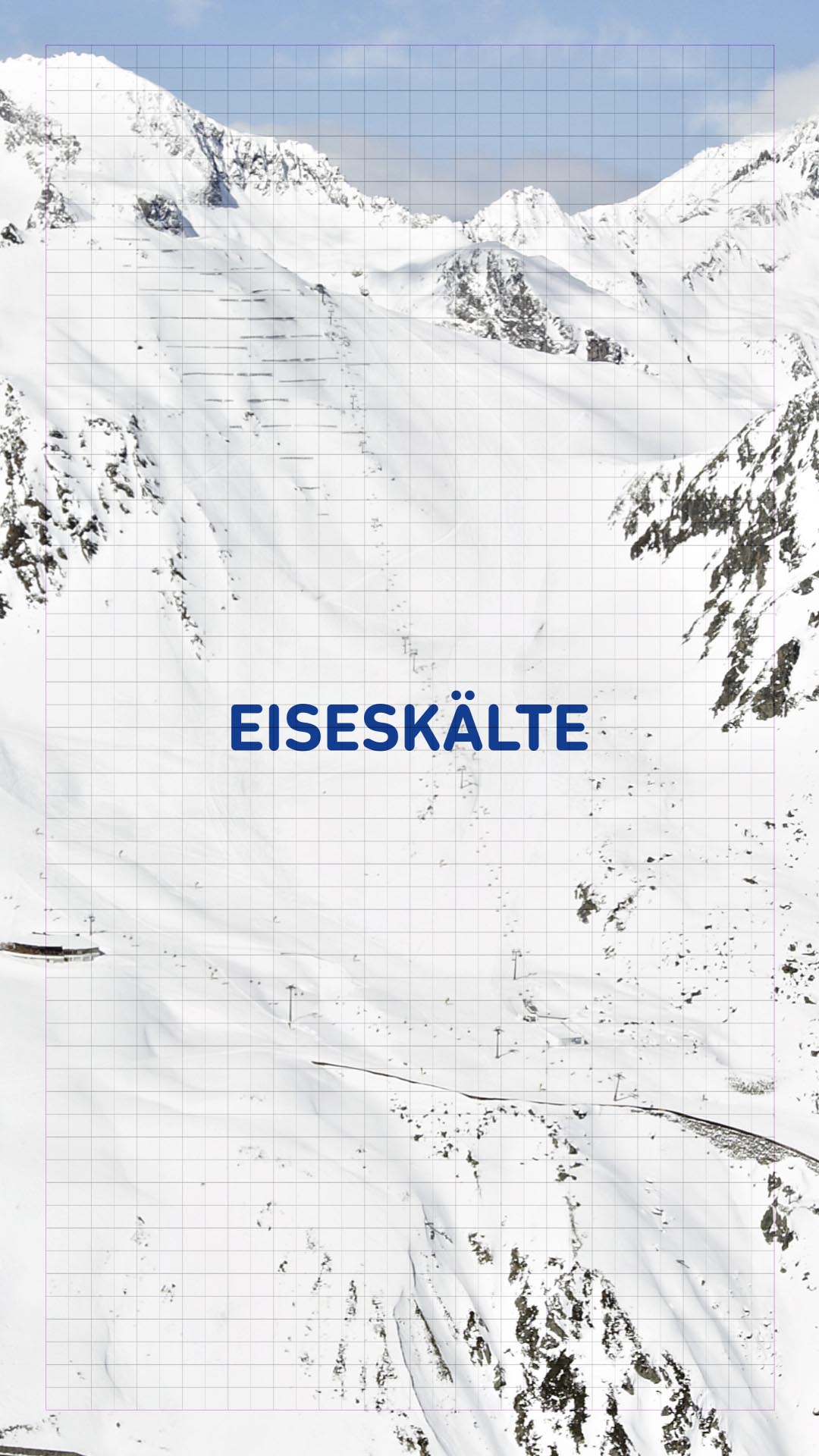
In After Effects, font sizes are displayed differently than in Photoshop! Text displays in the template have a size of 176 px (176 px line spacing), in DIN Next Rounded LT Pro Bold or Regular.
Text display rules for use in social media can be found here: Social media